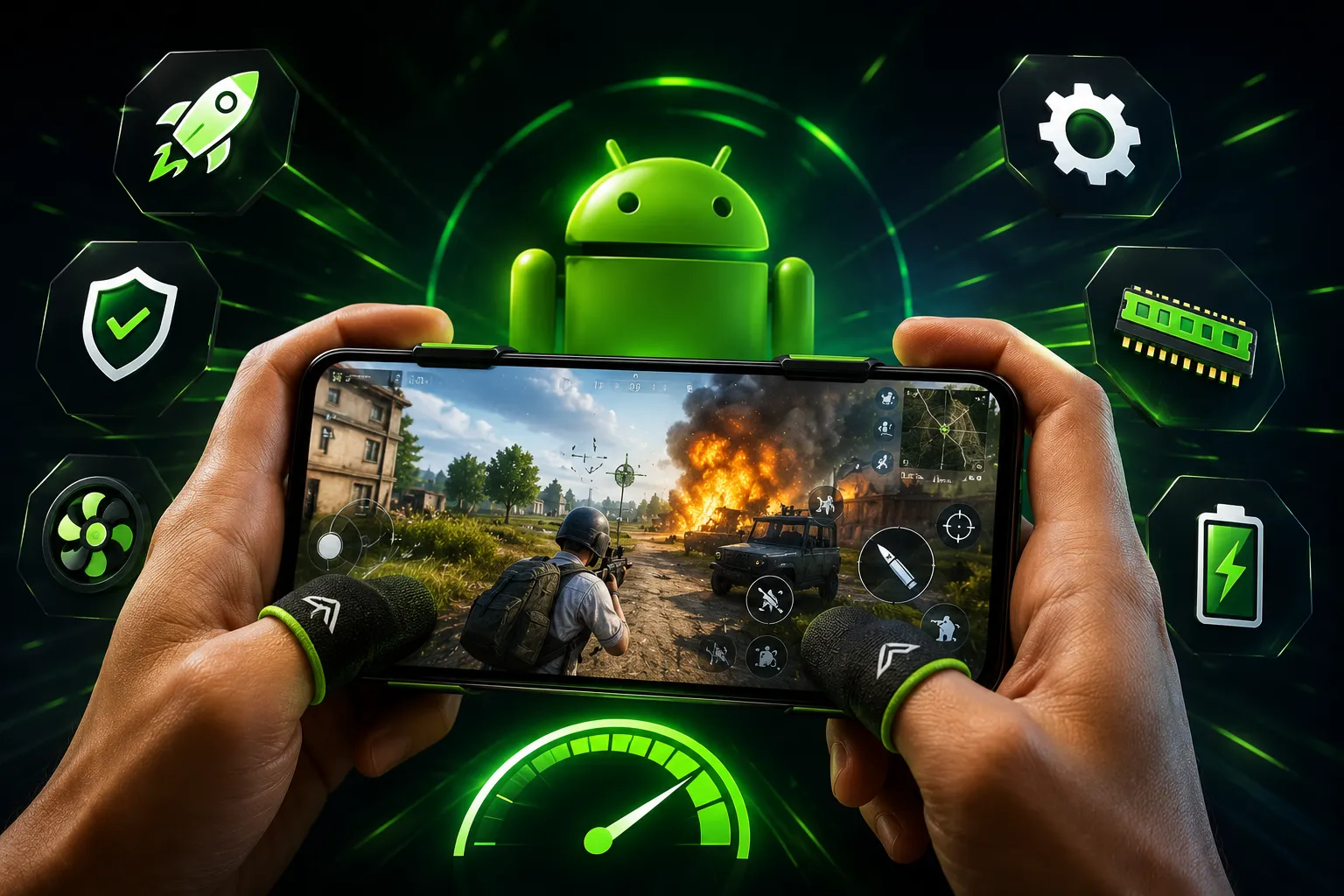
In the ever-evolving landscape of mobile gaming, players demand high performance and smooth gameplay. With the increasing complexity of games, having a powerful device is no longer sufficient. To truly enjoy a seamless gaming experience, Android users must explore various tweaks and optimization techniques. This article delves into the best Android gaming tweaks that can significantly enhance your gameplay, ensuring that you remain competitive and engaged.
Understanding the Basics of Android Performance
Before diving into specific tweaks, it’s essential to understand the core components influencing gaming performance on Android devices. Factors such as the device's processor, RAM, GPU, and the operating system version play critical roles. The Android operating system itself is designed to manage resources efficiently, but sometimes it requires a little nudge in the right direction to optimize performance for gaming.
Essential Tweaks for Optimizing Performance
1. Adjust Graphics Settings
Most modern games on Android come with adjustable graphic settings. Lowering these settings can drastically improve performance. For instance, reducing the resolution, turning off shadows, or lowering texture quality can lead to a smoother frame rate. Popular games like PUBG Mobile offer in-game settings that allow players to customize their visual experience without sacrificing performance.
2. Enable Developer Options
Accessing Developer Options on your Android device can unlock various performance-enhancing features. To enable this, go to Settings > About Phone and tap on the Build Number seven times. Once activated, you can adjust settings like 'Window animation scale,' 'Transition animation scale,' and 'Animator duration scale' to 'Animation off.' This change can lead to a more responsive interface, benefiting gaming performance considerably.
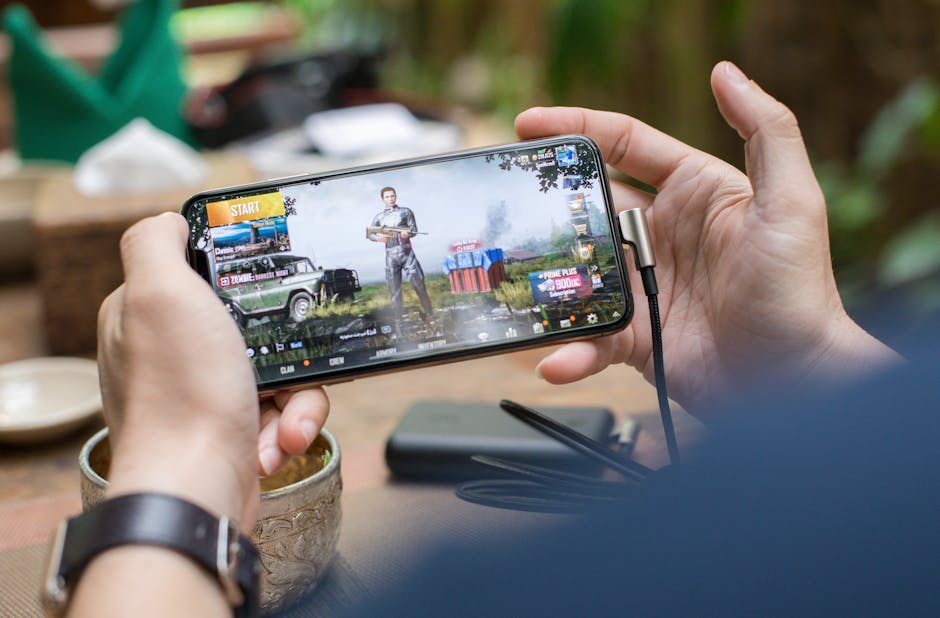 Image: I'm Zion on Pexels
3. Optimize Background Processes
Many applications run in the background, consuming precious resources. To optimize your gaming experience, it's a good practice to limit these background processes. You can do this by going into Settings > Apps and manually closing unnecessary applications before launching your game. Additionally, consider using Android’s built-in 'Battery Saver' mode, which can help restrict background data and improve performance.
4. Use Game Mode Features
Many Android devices come equipped with a 'Game Mode' feature that optimizes performance specifically for gaming. This mode often includes options to block notifications, limit background processes, and prioritize CPU/GPU resources for gaming. Activating Game Mode can help ensure that your device operates at peak performance when you dive into your favorite games.
5. Clear Cache Regularly
Over time, cached data can accumulate and slow down your device, impacting gaming performance. Regularly clearing the cache can free up space and enhance speed. To do this, navigate to Settings > Storage > Cached Data and clear it. Additionally, clearing the app cache for individual games can help resolve performance issues caused by corrupted or outdated data.

Enhancing Network Connection
For online gaming, a stable and fast internet connection is crucial. Here are some tweaks that can enhance your network performance:
1. Use a Wired Connection
If possible, consider connecting your device to the internet via a USB Ethernet adapter. This can provide a more stable connection compared to Wi-Fi, reducing latency and improving overall gameplay.
2. Optimize Wi-Fi Settings
If a wired connection isn't feasible, optimizing your Wi-Fi settings becomes vital. Positioning your router closer to your gaming area, reducing interference from other devices, and ensuring that you're connected to the 5GHz band (if available) can improve your connection quality. Furthermore, using a VPN optimized for gaming can sometimes reduce lag.
External Accessories for Enhanced Gameplay
While software tweaks are essential, the right external accessories can significantly enhance your gaming experience:
1. Gaming Controllers
Using a gaming controller can provide better control and responsiveness compared to touch inputs. Many Android-compatible controllers are available that can improve your gameplay, especially in competitive titles like Call of Duty Mobile.
2. Cooling Pads
Intense gaming sessions can lead to overheating, affecting performance. Investing in a cooling pad or fan can help keep your device cool during prolonged gameplay, ensuring consistent performance without throttling.
Conclusion: The Path to Smooth Gameplay
Achieving smooth gameplay on Android requires a combination of software tweaks, network optimization, and the right accessories. By adjusting graphics settings, enabling Developer Options, managing background processes, and utilizing Game Mode features, players can unlock their device's full gaming potential. Additionally, improving network connections and utilizing external accessories can further enhance the experience.
As mobile gaming continues to advance, staying informed on the latest tweaks and optimization techniques is essential for any serious gamer. Remember, a few simple adjustments can make all the difference in your gaming performance, ensuring that your Android device runs at its best, even in the most demanding titles.