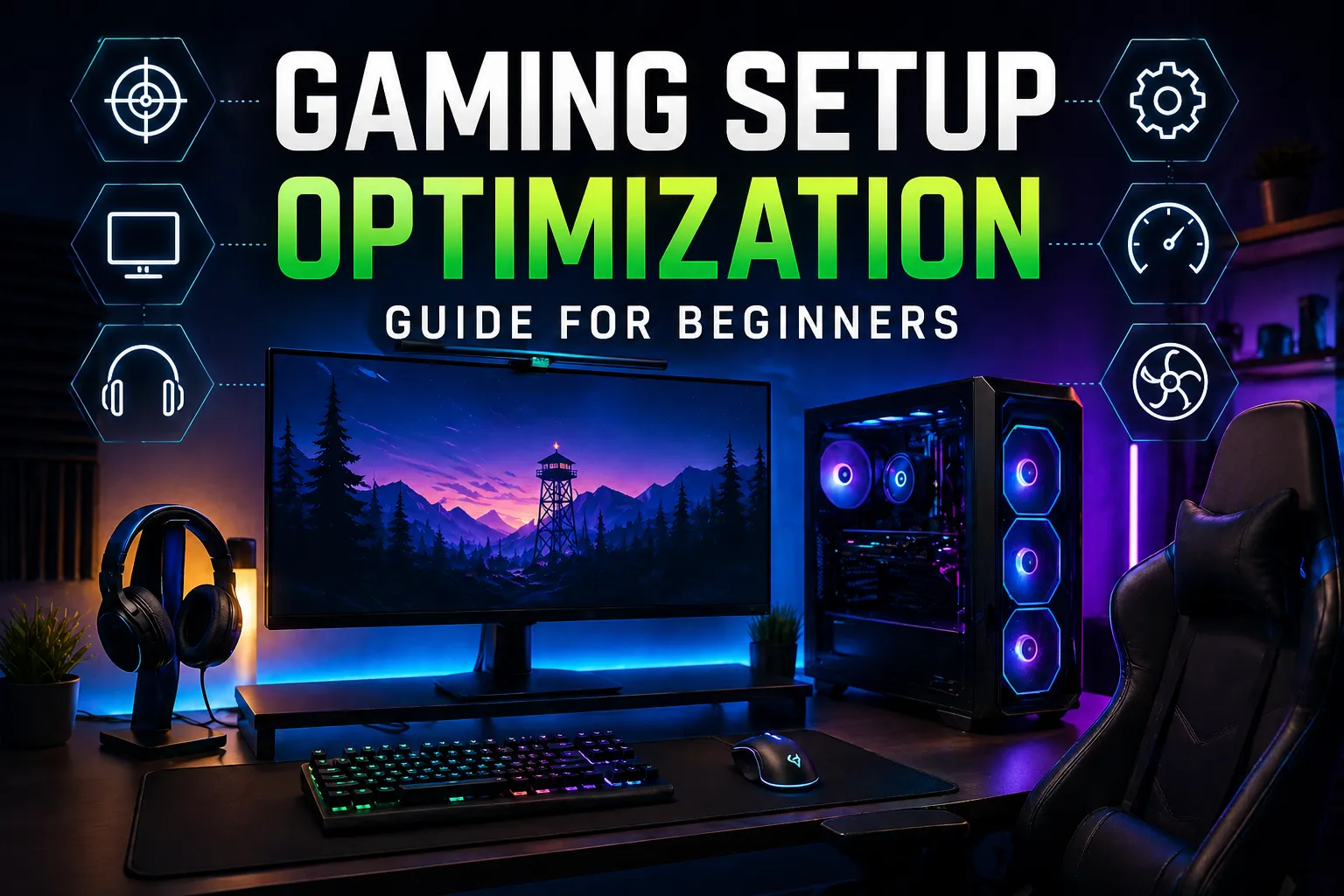
The world of gaming has evolved significantly over the years, becoming more than just a hobby; it’s now a full-fledged lifestyle for millions around the globe. Whether you're a casual gamer or aspiring to compete at higher levels, optimizing your gaming setup is crucial to enhance your performance, comfort, and overall experience. In this comprehensive guide, we will explore various aspects of gaming setup optimization tailored specifically for beginners.
Choosing the Right Hardware
The foundation of any gaming setup is its hardware. Selecting the right components can drastically influence your gaming performance. Here are some essential hardware elements to consider:
Gaming PC vs. Console
One of the first decisions you'll need to make is whether to invest in a gaming PC or a console. Each option has its pros and cons. Gaming PCs typically offer superior graphics, faster processing speeds, and more customization options. On the other hand, consoles like the PlayStation and Xbox are user-friendly and often come with exclusive titles. For a more in-depth comparison, you can visit Wikipedia's article on video game consoles.
Essential Peripherals
Your gaming peripherals, including the monitor, keyboard, mouse, and headset, play a significant role in your overall gaming experience. When selecting a monitor, consider factors such as refresh rate, response time, and resolution. A 144Hz monitor with a 1ms response time can provide a competitive edge in fast-paced games.
 Image: Atahan Demir on Pexels
For keyboards and mice, look for those with customizable keys and ergonomic designs. Mechanical keyboards are favored for their tactile feedback, while gaming mice often feature adjustable DPI settings for precision.
Creating an Ergonomic Gaming Environment
Physical comfort is paramount when gaming for extended periods. An ergonomic setup helps prevent strain and injuries. Here are some tips to enhance comfort:
Chair Selection
Investing in a good gaming chair can make a significant difference. Look for chairs that offer adjustable height, lumbar support, and armrest positioning to reduce strain on your back and neck. Brands like Secretlab and Herman Miller offer specialized gaming chairs that support posture and comfort.
Desk Space and Lighting
Your gaming desk should provide enough space for all your equipment while promoting a clutter-free environment. Consider a desk with adjustable height options for standing or sitting. Additionally, proper lighting is essential. Avoid harsh overhead lights; instead, opt for softer ambient lighting or LED strips that can adjust to your mood and reduce eye strain.
Network Optimization
A stable internet connection is crucial for online gaming. Lag can severely impact your gaming performance, especially in competitive scenarios. Here’s how to ensure your network is optimized:

Wired vs. Wireless
While wireless connections are convenient, they can introduce latency. For the best performance, consider using a wired Ethernet connection. If wireless is your only option, ensure your router is up to date and positioned to minimize interference.
Router Settings
Optimize your router settings for gaming by enabling Quality of Service (QoS) features, which prioritize gaming traffic over other data. Regularly updating your router’s firmware can also improve its performance and security.
Software Optimization
Beyond hardware, software optimization is key to enhancing your gaming experience. Here are some strategies:
Game Settings
Adjust in-game settings to balance performance and visual quality. Lowering graphics settings can increase frame rates, which is especially important in competitive games. Experiment with settings to find what works best for your hardware.
Background Applications
Close unnecessary background applications while gaming to free up system resources. Tools like Task Manager can help you identify which apps are consuming CPU and memory, ensuring that your gaming performance isn't hindered.
Regular Maintenance
Keeping your gaming setup in top shape requires regular maintenance. Here’s what to consider:
Cleaning
Dust can accumulate quickly, especially in gaming PCs. Regularly clean your hardware, including the fans and peripherals, to prevent overheating and ensure optimal performance. Use compressed air to blow out dust, and wipe surfaces with a microfiber cloth.
Updates
Regularly check for operating system and driver updates for your hardware. Keeping software up to date ensures you have the latest features and security enhancements, which can improve overall performance in gaming.
Conclusion
Optimizing your gaming setup is a multifaceted process that requires thoughtful consideration of hardware, ergonomics, network performance, software settings, and regular maintenance. By investing the time and effort to create an optimized gaming environment, you’ll enhance not only your performance but also your enjoyment of gaming. Whether you’re playing solo or competing with friends, a well-optimized setup can make all the difference in your gaming journey.