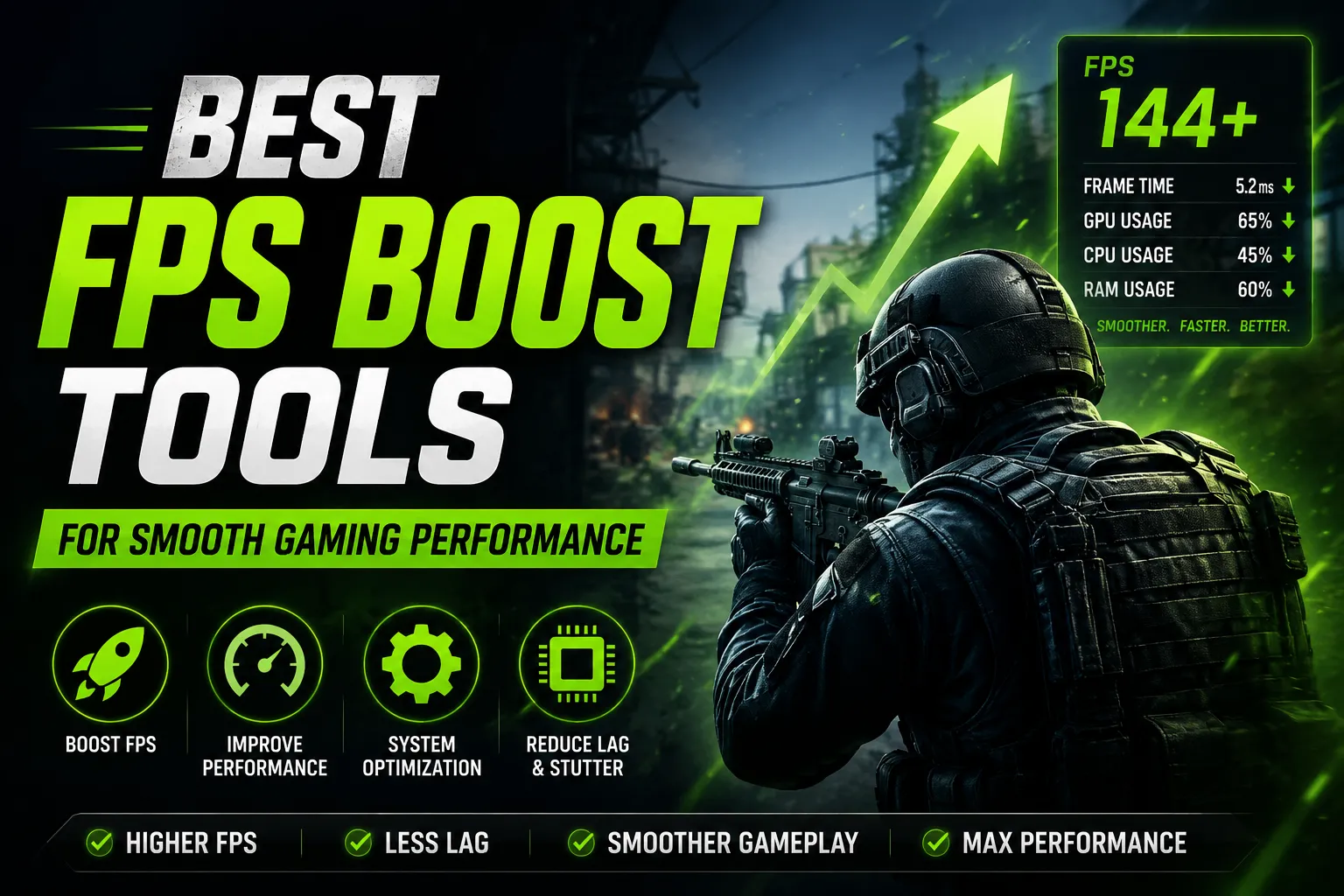
In the realm of gaming, frame rates can drastically affect the overall experience. A seamless, high-FPS (frames per second) performance can mean the difference between victory and defeat, especially in competitive environments. As technology continues to advance, gamers are on a constant quest for tools that can optimize their system's performance. This article delves into the best FPS boost tools available, providing insight into how they work, their effectiveness, and real-world examples of their impact on gaming performance.
Understanding FPS and Its Importance
FPS is a measure of how many unique consecutive images a computer graphics system can produce in one second. Higher FPS leads to smoother animations and a more responsive gaming experience. For instance, a game running at 60 FPS appears much smoother than one running at 30 FPS. In fast-paced games, such as first-person shooters (FPS), high frame rates can provide players with a competitive edge, allowing for quicker reactions and better control.
Common Causes of Low FPS
Before diving into FPS boost tools, it's essential to understand what causes low FPS in gaming. Factors include:
 Image: RDNE Stock project on Pexels
- Hardware Limitations: Older graphics cards or insufficient RAM can hinder performance.
- Background Applications: Programs running in the background can consume resources and reduce available power for games.
- Graphics Settings: High graphical settings can overwhelm a system's capabilities.
- Outdated Drivers: Graphics drivers need regular updates to ensure compatibility with the latest games.
Top FPS Boost Tools
Now that we understand the significance of FPS, let's explore some of the best FPS boost tools available to gamers.
1. Razer Game Booster
Razer Game Booster is a popular tool designed to optimize your gaming experience. By temporarily closing background applications and services that are not needed during gameplay, it frees up valuable system resources. Users can also tweak settings directly within the application to enhance performance. Razer Game Booster is particularly beneficial for gamers using older hardware, as it can lead to noticeable improvements in frame rates.

2. NVIDIA GeForce Experience
For those with NVIDIA graphics cards, the GeForce Experience is an invaluable tool. It automatically optimizes game settings based on your hardware specifications. Additionally, it includes a feature called Game Ready Drivers, which ensures that your graphics card runs at peak performance with the latest games. This tool not only boosts FPS but also enhances the visual quality of games. For more information on NVIDIA's performance optimization tools, visit their official website.
3. MSI Afterburner
MSI Afterburner is a powerful tool for those looking to manually tweak their GPU settings. Allowing users to overclock their graphics card, it can significantly increase FPS by enhancing the card's capabilities. While overclocking can lead to better performance, it should be done carefully to avoid overheating or damaging the hardware. MSI Afterburner also provides real-time monitoring of system performance, enabling users to make informed adjustments.
4. CCleaner
While primarily known as a system optimization tool, CCleaner can indirectly boost FPS by cleaning up unnecessary files and optimizing system performance. By removing temporary files and registry entries, CCleaner can help free up space and resources, allowing your games to run smoother. Regular maintenance with CCleaner can lead to a more responsive gaming experience over time.
5. Game Fire
Game Fire is a unique tool that not only boosts FPS but also enhances the overall gaming experience. It does this by temporarily disabling unnecessary system services and applications while gaming. Game Fire’s interface is user-friendly, allowing both novice and experienced gamers to customize their settings for optimal performance. This tool is particularly useful for those who play a variety of games, as it can adapt to different performance needs.
Real-World Impact of FPS Boost Tools
The effectiveness of FPS boost tools can vary depending on individual system specifications and gaming preferences. For instance, players who have upgraded their hardware often report diminishing returns when using optimization tools. However, those on older systems frequently note significant improvements. A study conducted by the gaming community on Reddit highlighted that users employing Razer Game Booster experienced an average increase of 20-30 FPS in popular titles like Counter-Strike: Global Offensive and Fortnite.
Best Practices for FPS Optimization
In addition to using FPS boost tools, gamers can adopt several best practices to enhance their gaming performance:
- Regularly Update Drivers: Keeping your graphics drivers up-to-date ensures compatibility and performance enhancements.
- Optimize In-Game Settings: Adjusting graphical settings can significantly improve FPS. Consider lowering shadows, textures, and anti-aliasing.
- Close Background Applications: Before launching a game, close unnecessary applications to free up system resources.
- Consider Hardware Upgrades: Investing in a better graphics card or increasing RAM can provide substantial performance improvements.
Conclusion
In the competitive world of gaming, optimizing your FPS can significantly enhance your experience. Utilizing FPS boost tools such as Razer Game Booster, NVIDIA GeForce Experience, and MSI Afterburner can lead to smoother gameplay and improved performance. Coupled with best practices for system maintenance and optimization, players can ensure that they are getting the most out of their gaming experience. As the gaming landscape continues to evolve, staying informed about the best tools and practices will empower gamers to perform at their best.
More Recommended
Top 10 Best Gaming Tools Every Gamer Should Use in...
Top Crosshair Generators for Competitive FPS Playe...