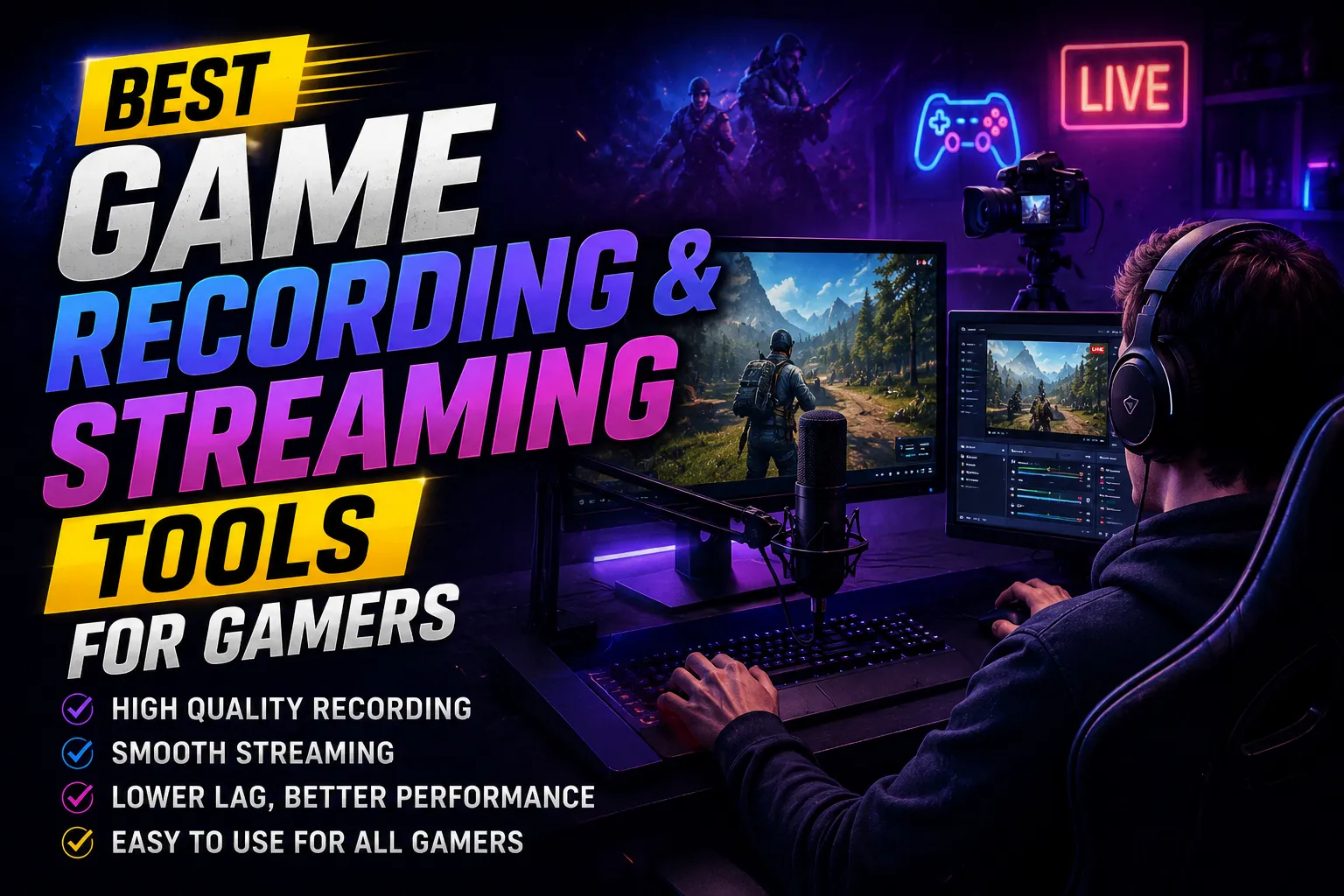
In the ever-evolving landscape of gaming, the ability to record and stream gameplay has transformed from a niche hobby into a mainstream activity. Whether you're a professional gamer aiming to showcase your skills or a casual player wanting to share moments with friends, having the right tools is essential. This article delves deep into the best game recording and streaming tools available, providing insights into their features, usability, and real-world applications.
Understanding Game Recording and Streaming
Game recording involves capturing video footage of your gameplay, while streaming allows you to broadcast that footage live to an audience. The distinction is crucial: recording is often done for later viewing, whereas streaming is immediate and interactive. Both methods have their unique requirements, and choosing the right tool can greatly enhance the quality of your content.
Key Features to Look For
When selecting game recording and streaming tools, several key features should guide your decision:
- Performance: The software should not significantly hinder your game's performance. Look for tools that offer hardware acceleration and low CPU usage.
- Quality: High-definition recording and streaming capabilities are vital. Tools that support 1080p or 4K resolution are preferable.
- User Interface: A straightforward, intuitive interface can save you time and frustration, especially during live streaming.
- Customization: Options for overlays, alerts, and scene transitions can enhance your stream's professional appearance.
- Compatibility: Ensure the software is compatible with your gaming platform, whether it be PC, console, or mobile.
- Community Support: Tools with active user communities often offer better support and shared resources.
Top Game Recording and Streaming Tools
1. OBS Studio
Open Broadcaster Software (OBS) Studio is a free, open-source tool that has become a standard in the streaming community. Its robust features allow for high-quality recording and streaming without the hefty price tag. OBS supports multiple platforms, including Windows, macOS, and Linux, making it accessible to a broad audience.
 Image: Diganta on Pexels
One of OBS's standout features is its ability to create scenes, which lets you switch between different layouts and sources seamlessly. This flexibility is invaluable for streamers who want to showcase various content types, from gameplay to webcam feeds and overlays. Furthermore, the community-driven nature of OBS means there are countless plugins and resources available to enhance its functionality.
2. NVIDIA ShadowPlay
NVIDIA's ShadowPlay, part of the GeForce Experience, is a powerful tool for gamers with NVIDIA graphics cards. It allows users to record high-quality gameplay with minimal performance impact. ShadowPlay automatically saves the last several minutes of gameplay, making it easy to capture unexpected moments.
The software's instant replay feature is particularly popular among gamers who want to highlight their skills or funny moments. Additionally, ShadowPlay supports live streaming directly to platforms like Twitch and YouTube. Because it leverages hardware encoding, it provides excellent performance without straining your CPU.

3. Streamlabs OBS
Streamlabs OBS is built on the foundation of OBS Studio but adds a suite of features tailored specifically for live streaming. It includes built-in alerts, donation management, and a library of themes that make it easy for streamers to customize their channels without extensive technical knowledge.
One of Streamlabs OBS's key advantages is its integration with various streaming platforms, allowing for smooth broadcasting with minimal setup. The software also offers cloud backup for settings and layouts, ensuring that your customizations are saved across devices.
4. Bandicam
For gamers seeking a straightforward recording tool, Bandicam is an excellent choice. It is particularly known for its ability to capture high-quality video at a low file size, making it efficient for recording lengthy gameplay sessions. Bandicam supports 4K UHD video and offers a variety of recording modes, including game recording, screen recording, and device recording.
Additionally, Bandicam features a user-friendly interface and allows for real-time drawing and annotations during recordings, which can be particularly useful for tutorial videos or gameplay commentary.
5. XSplit Gamecaster
XSplit Gamecaster is a premium solution that provides a comprehensive streaming and recording experience. With its easy-to-use interface, gamers can start streaming or recording with just a few clicks. XSplit offers a variety of features, including customizable overlays and support for multiple streaming platforms.
The software also includes a built-in video editor, allowing users to quickly create highlights and share them directly to social media. However, while XSplit Gamecaster is feature-rich, it does come with a subscription fee, which may not be ideal for all gamers.
Real-World Applications and Use Cases
Understanding how these tools are used in practical scenarios can provide further insight into their value. For instance, professional gamers often rely on OBS Studio for its versatility and community support. Popular streamers like Ninja and Shroud have utilized OBS to deliver high-quality content while engaging with their audiences.
On the other hand, casual gamers might prefer NVIDIA ShadowPlay for its ease of use and minimal setup. Gamers who enjoy sharing spontaneous gameplay moments find ShadowPlay's instant replay feature particularly beneficial. Meanwhile, content creators producing tutorial videos or gameplay highlights may opt for Bandicam due to its simplicity and efficiency.
Conclusion
The choice of game recording and streaming tools is critical to enhancing your gaming experience and connecting with audiences. Each tool mentioned in this article offers unique features catering to different needs and preferences. By evaluating your goals, whether it's professional streaming or casual sharing, you can select the best game recording and streaming tool that suits your style. For more information on gaming technologies, you can refer to the Wikipedia page on streaming media. Embrace the possibilities these tools offer, and elevate your gaming content to new heights.
More Recommended
Top 10 Best Gaming Tools Every Gamer Should Use in...
Best FPS Boost Tools for Smooth Gaming Performance