Imagine a third-person battle royale shooter with building mechanics that runs entirely in your browser and drops you into a duel in under five seconds. That is 1v1.LOL, and it is a school gaming staple for one reason: no match is wasted time. Win or lose, you learn something, and the next round starts instantly.
1v1.LOL Unblocked brings the full game to your school browser with no downloads. This guide covers the controls, the building system, and the strategies that separate new players from lobby toppers.
What is 1v1.LOL?
1v1.LOL is a browser-based third-person shooter with a building system inspired by the biggest battle royale games. You drop into an arena with a pickaxe and a weapon loadout, gather your bearings, and fight. The twist is that you can instantly build walls, floors, and ramps anywhere, which turns every firefight into a vertical chess match.
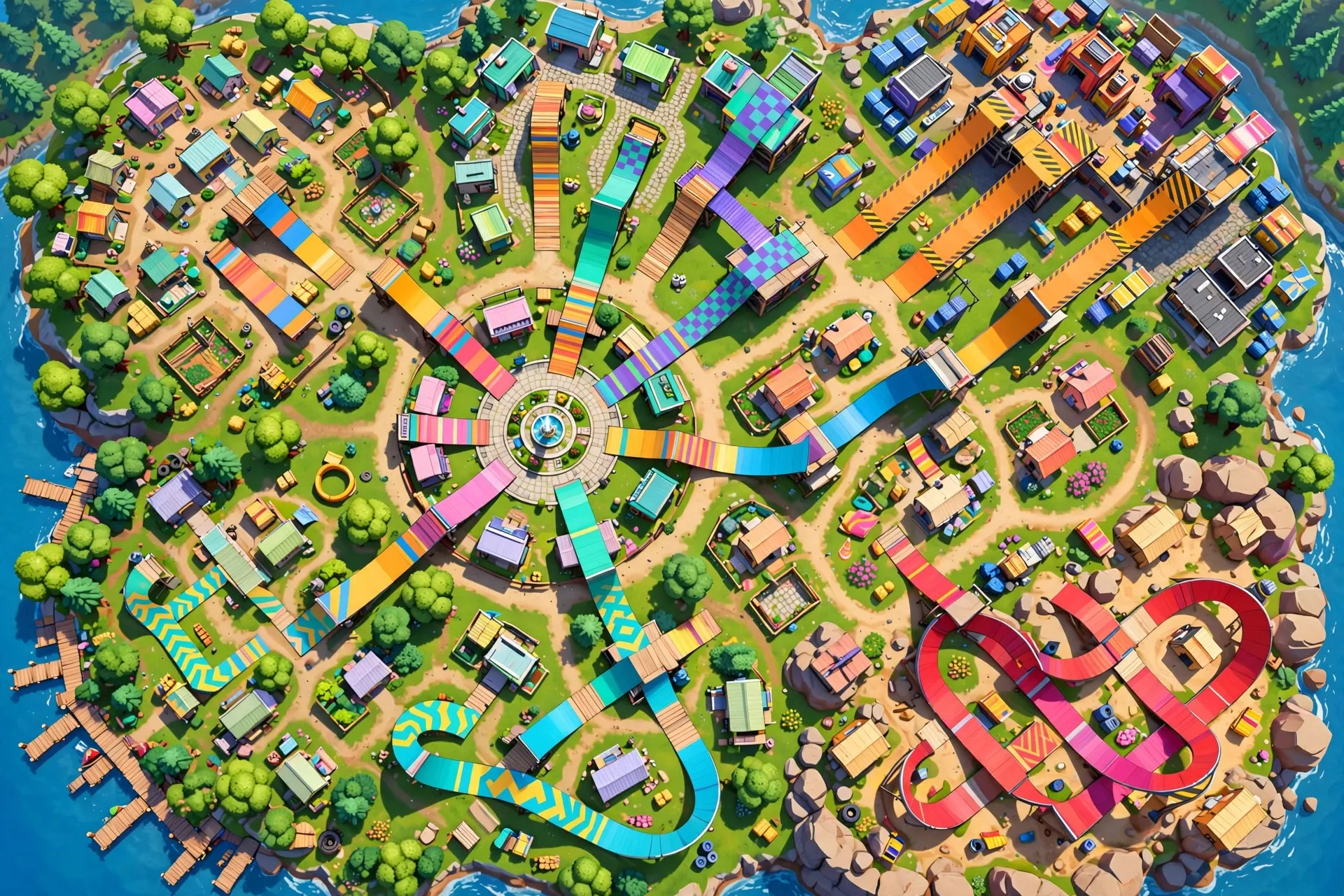
The two main modes are 1v1 duels, pure skill in a small arena, and battle royale, where positioning and loot matter as much as aim on a shrinking map. Both share the same controls and building system.
It works so well at school because it runs on modest hardware, loads fast, and each round fits into a passing period. But accessibility is not simplicity: the building has real depth, and top players combine fast edits, smart positioning, and precise aim.
How to Play 1v1.LOL Unblocked at School
Setup is quick and the controls are the standard shooter layout.
- Open Chrome and navigate to an unblocked version of 1v1.LOL. If your usual mirror is blocked, the best unblocked games to play at school list has working alternatives.
- Pick your mode: 1v1 for duels or Battle Royale for the big lobby. Duels are better for learning.
- Controls: WASD to move, mouse to aim, left click to shoot, spacebar to jump. Building keys are usually Z, X, C, and V for walls, floors, ramps, and pyramids, with right click to edit or rotate structures. Check the settings menu to confirm your keybinds.
- In duels you spawn with weapons. In battle royale, land near buildings, grab a weapon fast, and rotate toward the zone.
On school Chromebooks, set graphics to low before your first match. The frame rate boost is huge. Close other tabs, and lower sensitivity if the trackpad feels twitchy. For more setup help, see this gaming setup optimization guide for beginners.
Tips & Tricks
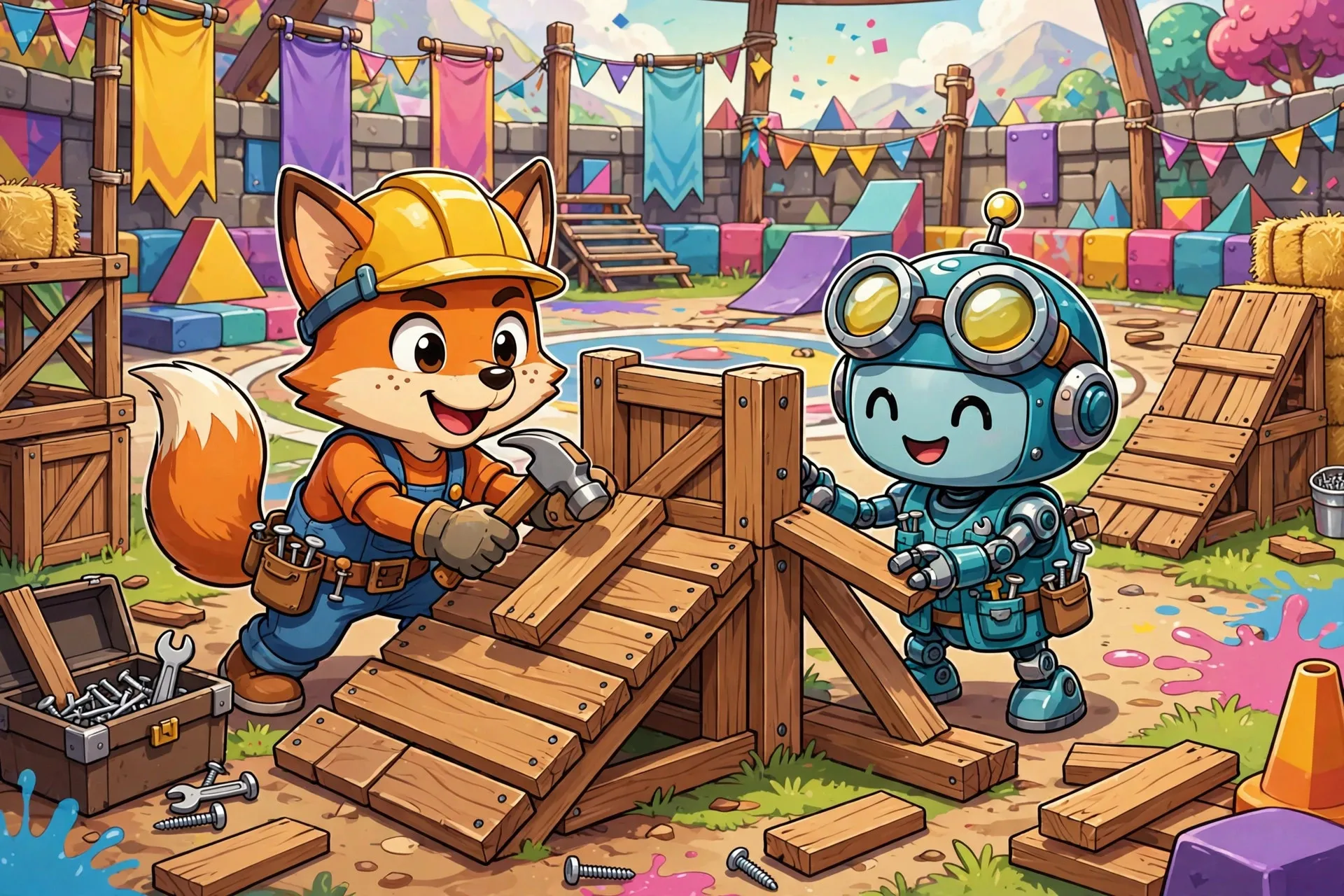
Build before you shoot. New players try to win with aim alone and lose to anyone who builds. When a fight starts, throw up a wall first, then peek. One wall turns an open-field duel into a fight on your terms.
Master the ramp rush. Place a ramp, run up it, place another, and jump. This gives you the high ground fast, and high ground wins most fights. Drill it in an empty lobby until it is muscle memory.
Learn one edit trick. Right-click editing opens windows and doors in your structures. Build a wall, edit a window into it, and shoot through it while staying protected. One clean edit beats ten random walls.
Keep moving. Standing still while shooting is a death sentence. Strafe with A and D and jump unpredictably. A moving target forces mistakes you can punish.
Control the center in battle royale. Final zones usually end near the middle of the map. Rotate early, build a small fort on high ground, and let the zone do the work.
Manage your loadout. Carry an assault rifle for range, a shotgun for close fights, and healing items. Always keep building material in reserve for the endgame.
Is 1v1.LOL Safe for School?
Mostly yes, with one caveat. The game is cartoonish: blocky characters, no blood, no realistic violence, about as intense as laser tag. There is no chat in the core modes, so strangers cannot message you.
The caveat is multiplayer. You play against real people online, and school networks sometimes block multiplayer traffic even when single-player games work. If 1v1.LOL will not connect on school WiFi, that is the network, not the game. Stick to free periods and keep the competition friendly.
Conclusion
1v1.LOL respects both your time and your skill. Rounds are fast, the building adds real depth, and every loss teaches something concrete: build faster, aim better, rotate earlier. Start with duels, learn the ramp rush, and tune your Chromebook settings. Then check out all unblocked games for your next favorite.
Frequently Asked Questions
What are the controls for 1v1.LOL Unblocked?
WASD moves, the mouse aims, left click shoots, spacebar jumps. Build with Z, X, C, V for walls, floors, ramps, and pyramids; right click edits. Every key is rebindable in settings.
How do you build fast in 1v1.LOL?
Keep build keys on Z, X, C, V so your left hand never leaves WASD. Drill the ramp rush in an empty lobby: ramp, run, ramp, jump. Start slow and clean, then add speed.
Does 1v1.LOL Unblocked work on Chromebook?
Yes. Set graphics to low, close other tabs, and lower sensitivity if the trackpad feels twitchy. A stable 30 to 60 FPS is enough to compete.
What is the best mode for beginners in 1v1.LOL?
Start with 1v1 duels. You spawn with a full loadout and fight immediately, so you get maximum practice per minute. Add battle royale once duels feel comfortable.
Can you play 1v1.LOL with friends at school?
Yes. Create a private lobby and invite friends with a room code. It works great on the same school network and is perfect for settling rivalries.