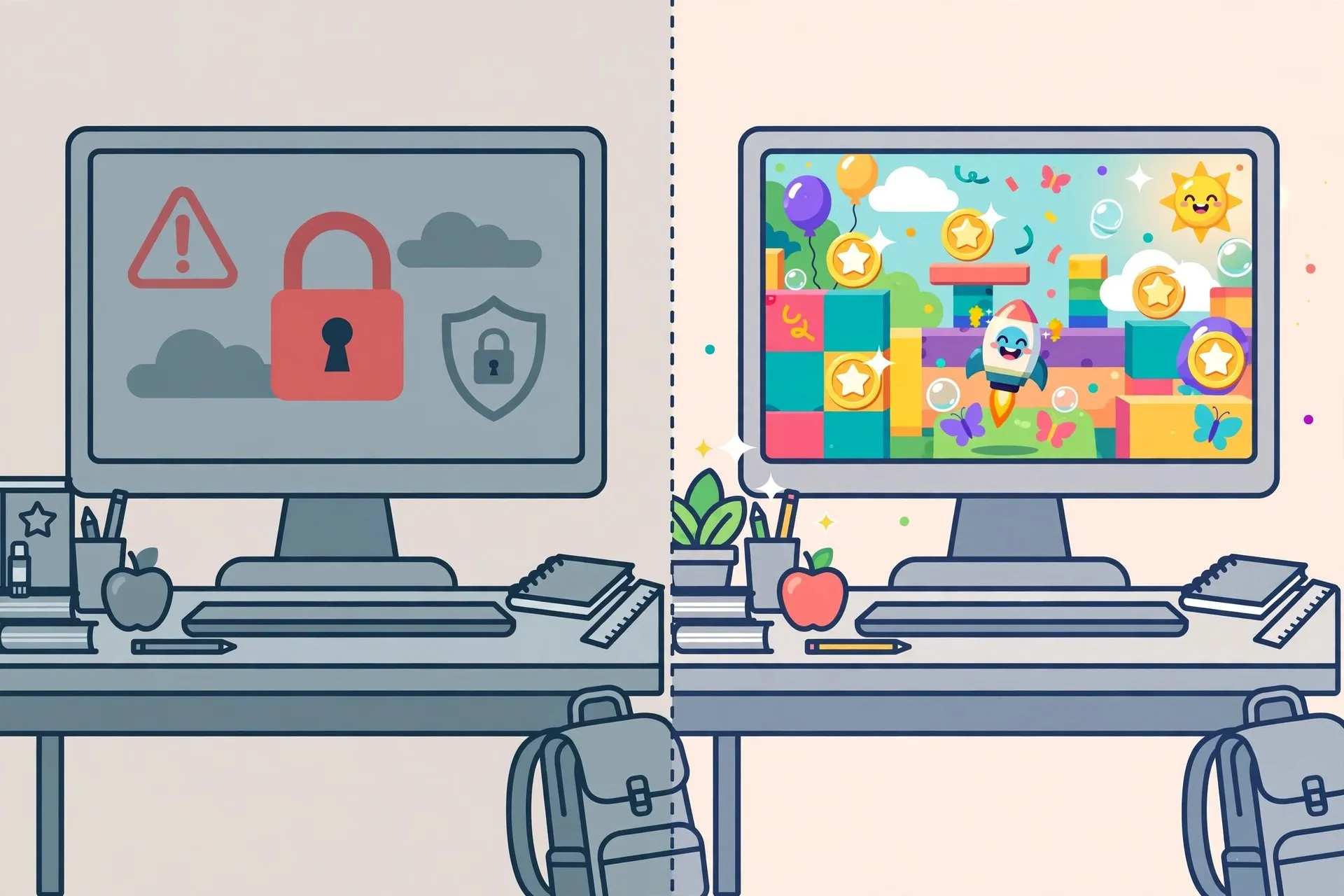
Study hall. Lunch break. That strange 20-minute gap between classes when your phone is almost dead and the school wifi blocks everything fun. If that sounds familiar, you are in the right place.
Unblocked games are browser games built to work on restricted school networks. They run on HTML5, which means no downloads, no installs, and no admin permission needed. You open a tab, click play, and you are in.
We tested dozens of games on basic school-style Chromebooks to build this list. Every game below loads fast, plays smooth, and is appropriate for school. These are the 15 best unblocked games to play at school in 2026.
What "Unblocked" Actually Means
Schools use content filters to block gaming sites, social media, and streaming services. These filters usually work by blocking known domains. Unblocked game sites use fresh domains and lightweight code that many filters miss.
The key detail is the technology. Modern unblocked games run on HTML5, not Flash. Flash was retired in 2020, so anything still asking you to "enable Flash" is either ancient or sketchy. Every game on this list is HTML5 and runs directly in Chrome with nothing extra installed.
How We Tested These Games
To keep this list honest, we set ground rules before playing anything:
- Tested on a basic Chromebook with 4GB of RAM, the kind most schools hand out
- Each game had to load in under 15 seconds on school-style wifi
- No downloads, no extensions, and no sign-up required
- Had to hold a playable frame rate without constant stuttering
- Content had to be school-appropriate, with no graphic violence or gambling mechanics
Games that demanded a login, pushed shady pop-ups, or chugged on low-end hardware got cut from the list.
The 15 Best Unblocked Games for School in 2026
1. Slope
The king of unblocked games, and it is not close. You steer a ball down a neon 3D tunnel that gets faster the longer you survive. The controls are just the arrow keys, but the rising speed makes every run intense. It loads in seconds and holds a smooth frame rate even on older Chromebooks. Perfect for quick reflex sessions between classes.
2. Run 3
An endless runner set in space tunnels where your character can run on walls and ceilings. The gravity-flipping mechanic keeps it fresh across hundreds of levels, and the simple graphics barely touch your Chromebook's resources. A great pick for longer breaks when you want real progression.
3. 1v1.LOL
A building shooter that plays entirely in the browser. Think of it as battle-royale build fights stripped down to fast one-on-one duels. It has real multiplayer, so you can face classmates during lunch. One warning: it is the most demanding game on this list, so close your other tabs before you play.
4. Retro Bowl
A retro-style American football game where you manage a team and play the key moments yourself. It is secretly one of the most addictive games here. The pixel-art style runs on anything, and playing through a full season gives you a reason to come back day after day. Sports fans, this is your pick.
5. Drift Hunters
A 3D drifting game with real car customization and upgradeable parts. It looks far better than a browser game has any right to, and the drifting physics are genuinely satisfying. Earn points for clean drifts, unlock new cars, and repeat. Car lovers will lose track of time here.
6. Snow Rider 3D
You sled down an endless snowy mountain, dodging trees and collecting gifts. It became a schoolyard phenomenon because it is dead simple to learn and strangely hard to quit. Most sessions last three to eight minutes, which makes it ideal for short breaks.
7. Shell Shockers
A first-person shooter where everyone plays as an egg with a gun. It offers team deathmatch, capture the flag, and free-for-all modes, all in the browser. The egg theme keeps things light and school-friendly while the gameplay stays competitive. Another excellent multiplayer option for playing with friends.
8. OvO
A precision platformer about wall-jumping, sliding, and diving through tricky levels. The movement feels amazing once it clicks, and the "just one more level" pull is strong with this one. If you like games that reward real skill, start here.
9. Stickman Hook
Swing through levels like a stick-figure superhero. Timing your releases is the whole game, and nailing a perfect swing chain feels deeply satisfying. Simple, clean, and loads instantly on any device.
10. Eggy Car
Drive over bumpy hills while keeping an egg balanced on your car. The physics are bouncy and unpredictable, so every run feels different. It is silly in the best way and perfect for a five-minute laugh with friends watching over your shoulder.
11. Happy Wheels
A physics-based obstacle course game famous for its ragdoll chaos. It is more about laughing at spectacular failures than about winning. The built-in level editor means there is endless community content to try. One note: some user-made levels get gory, so stick to the featured ones while at school.
12. Block Blast
A block puzzle game in the Tetris family. You drag shapes onto a grid, clear lines, and chase combos. It is calm, quiet, and genuinely good for your brain. The perfect choice when you want to relax without noise or flashing lights.
13. Smash Karts
Kart racing meets battle arenas. Grab weapon pickups, blow up your rivals, and win the match. It runs surprisingly well on old hardware, and the multiplayer lobbies fill up fast. If your whole lunch table wants in on the fun, this is the one to open.
14. Polytrack
A low-poly racing game with a full track editor built in. Build ridiculous tracks, share them, and try to set records on creations from other players. The editor is the real star here. It is lightweight, fast, and endlessly replayable for racing fans.
15. Cookie Clicker
The original idle game. Click a cookie, buy upgrades, and watch the numbers climb. It sounds boring, and it absolutely is not. It runs quietly in a background tab, which makes it the ultimate game for slow moments. Just keep it to free periods.

Quick Picks: What Should You Play Right Now?
- Only have five minutes? Try Slope, Snow Rider 3D, or Eggy Car.
- Playing with friends? Open 1v1.LOL, Shell Shockers, or Smash Karts.
- Want something chill? Block Blast or Cookie Clicker will do the job.
- Love a real challenge? Go for OvO or Polytrack time trials.
- Sports fan? Retro Bowl, no contest.
If gaming ever grows into something bigger for you, like streaming or making videos about the games you love, check out our guide to building a gaming creator presence for practical first steps.
Are Unblocked Games Safe to Play at School?
Mostly yes, with a little common sense. Stick to well-known game sites, never download anything a game site asks you to install, and do not enter personal information or school login details on gaming pages. Real unblocked games never need your password.
Scammy pop-ups and fake download buttons are the real danger, not the games themselves. If you want to understand how these tricks work, our breakdown of Google search scams targeting crypto wallet users explains the same scam patterns in a different context.
One more thing worth saying: respect your school's rules. These games are for breaks, lunch, and free periods, not for playing under the desk during math class. Teachers notice more than you think.
Tips to Run Games Smoothly on a School Chromebook
School Chromebooks are not gaming machines, but a few simple tricks help a lot:
- Close every tab you are not using. Each open tab eats memory.
- Turn down the game's graphics settings if it offers any.
- Use Chrome rather than an alternative browser for the best HTML5 support.
- If a game lags, try a different mirror site. Sometimes one domain runs faster than another on your school's network.
- Plug in your charger if you can. Chromebooks throttle performance when the battery runs low.
Want to squeeze out even more performance? Our FPS boost tools guide covers utilities that smooth out gameplay on low-end machines.

Conclusion
The best unblocked games to play at school in 2026 are not just time-killers. The good ones are genuinely great games that happen to run in a browser tab. Whether you have five minutes or a full lunch period, there is something on this list for you.
Start with Slope or Run 3 for instant fun, try Retro Bowl if you want something with depth, and grab some friends for 1v1.LOL or Smash Karts when you have company. Just remember to close the tab when the bell rings.
Frequently Asked Questions
What are the best unblocked games to play at school in 2026?
The top picks for 2026 are Slope, Run 3, 1v1.LOL, Retro Bowl, and Drift Hunters. They all run directly in a browser with no downloads, load fast on school Chromebooks, and work on most school networks.
Are unblocked games safe on a school Chromebook?
Yes, as long as you stick to reputable game sites. Never download files that a game site offers, do not enter personal information, and avoid sites covered in pop-up ads. Legitimate unblocked games run entirely inside your browser tab.
Why are games blocked on school wifi?
Schools use content filters to keep students focused and to protect the network from malware. These filters block known gaming domains. Unblocked games use alternative domains and lightweight HTML5 code that many filters do not catch.
Do unblocked games need to be downloaded?
No, and that is the whole point. Every game on this list runs on HTML5 directly in your browser. If a site asks you to download or install something before you can play, close it and find a different mirror.
What is the most popular unblocked game right now?
Slope remains the most-played unblocked game thanks to its simple controls and addictive speed-based gameplay. Snow Rider 3D and 1v1.LOL are close behind in school popularity in 2026.