Block Blast unblocked is the perfect school-day puzzle game. It is a calm, colorful block puzzle in the Tetris family that runs right in your browser, with no download and no timer breathing down your neck. Between classes or during a quiet study hall, a few minutes of dragging shapes onto the grid is one of the most relaxing breaks you can get on a Chromebook.
In this 2026 guide you will learn exactly what Block Blast is, how to play it unblocked on a school network, and the strategies that separate casual players from high scorers. We will also cover whether it is safe for school and answer the most common questions. If puzzles are your thing, it belongs on any list of the best unblocked games to play at school.
What is Block Blast?
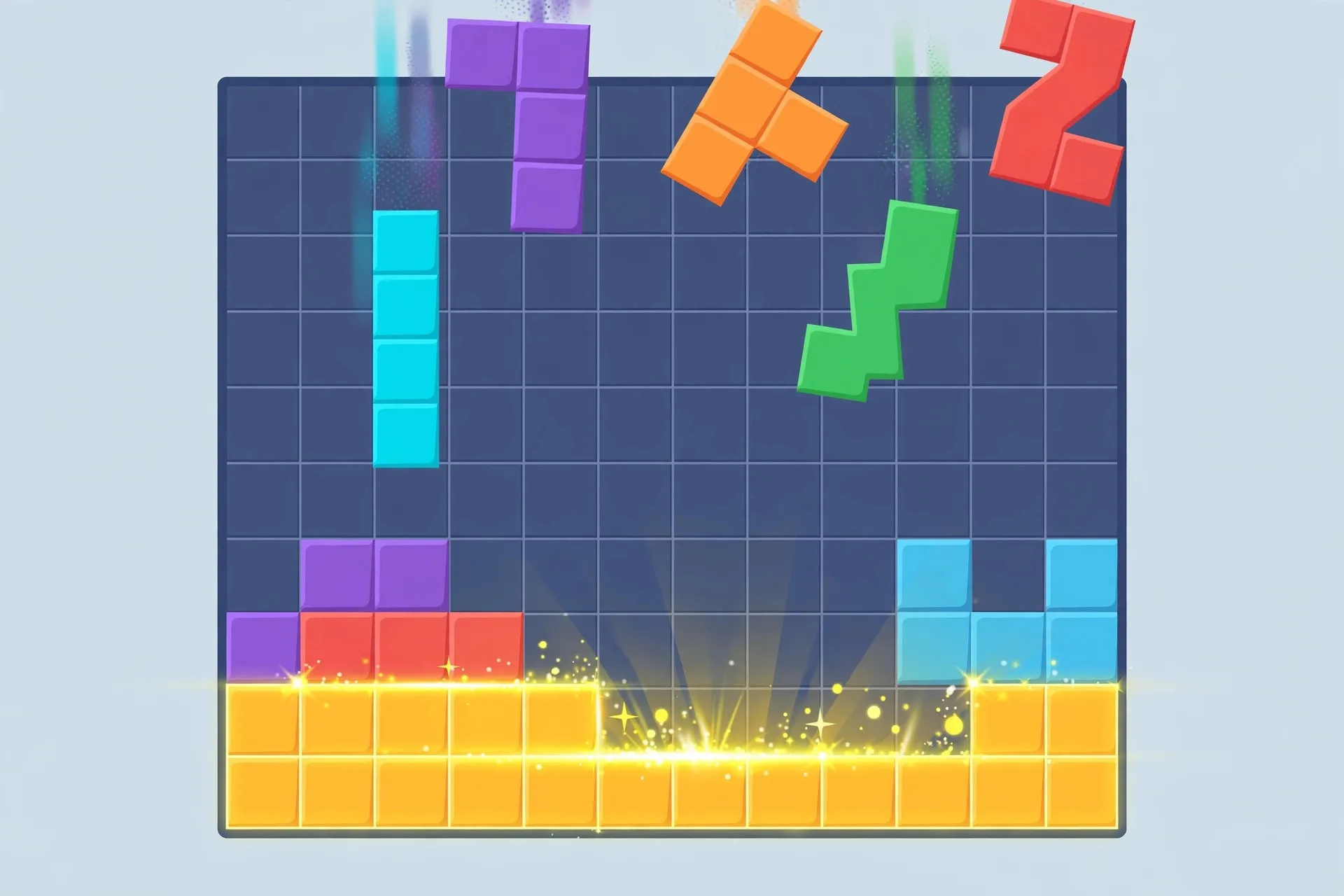
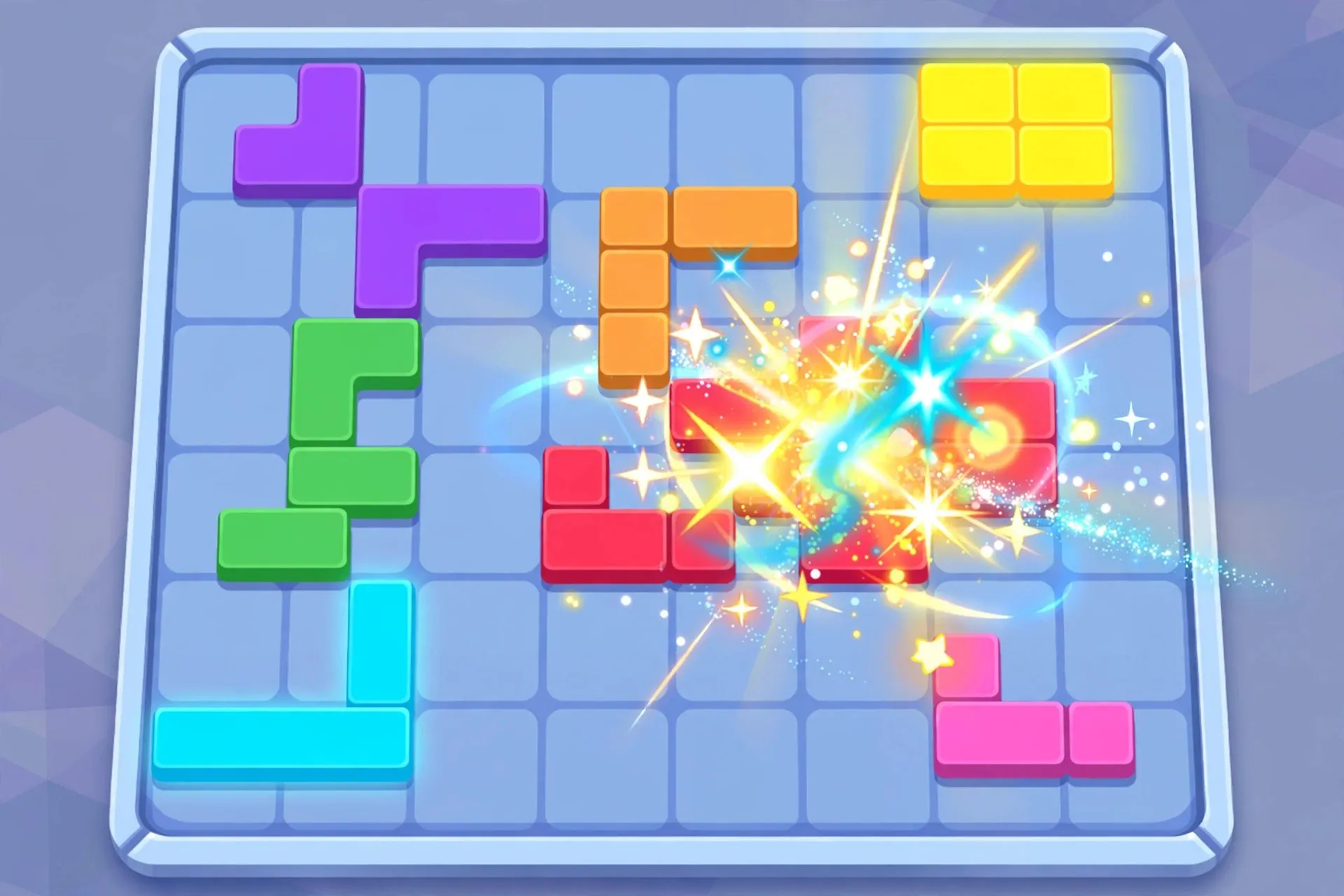
Block Blast is a block puzzle game where you drag Tetris-style pieces onto an 8 by 8 grid. Whenever you completely fill a row, a column or a square, those blocks clear away and you score points. Clearing several lines at once triggers combos that multiply your score, which is where the real fun begins. The game ends only when you run out of space for new pieces, so every round is a fresh test of planning.
The game originally took off as a mobile app, but browser versions made it a school favorite. Unlike fast action games, Block Blast makes almost no demands on your computer. It is quiet, simple to learn in under a minute, and hard to put down once you start chasing your best score. It is one of those titles that feels tailor made for a Chromebook between assignments.
How to Play Block Blast Unblocked at School
Getting started takes about thirty seconds:
- Open your browser and search for a trusted unblocked games site that hosts Block Blast, such as 66EZ.
- Click the game to load it. It runs entirely in the browser, so there is nothing to install.
- Drag pieces from the tray at the bottom onto the grid using your mouse or Chromebook trackpad. On touch screens you can drag with a finger.
- Fill full rows or columns to clear them and score. Plan ahead so awkward shapes do not trap you.
A few Chromebook tips help a lot. Close extra tabs before you play so the game runs smoothly, and set your trackpad sensitivity where you like it since precise dragging matters late in a run. If your school network blocks the first site you try, another mirror usually works. Check our roundup of all unblocked games for more options that run well on school devices. For general smooth play advice, our gaming setup optimization guide for beginners covers quick Chromebook tweaks that help every browser game.
Tips & Tricks
High scores in Block Blast come from planning, not luck. These tips will help fast:
- Keep the board balanced. Fill the corners and edges evenly instead of stacking everything on one side, so new pieces always have a home.
- Save space for big pieces. The 3 by 3 square and long bars show up often, so leave open areas where they fit.
- Clear multiple lines at once. Setting up two or three clears in a single move builds combo streaks that push your score much higher.
- Use single blocks as fillers. Tiny one-square pieces are perfect for plugging gaps and rescuing a messy corner.
- Do not rush. There is no timer, so take a few seconds to picture where the next three pieces could go before you commit.
Is Block Blast Safe for School?
Block Blast is one of the safest games you can play at school. There is no chat, no multiplayer, no violent content and no loud sounds, so it will not disturb a classroom. Browser versions are free and do not ask for accounts or personal information. The main thing to watch is your school's own rules: many schools allow games during lunch or free periods but not during class, so play when it is appropriate. Stick to well known unblocked sites to avoid sketchy popups, and you are good to go.
Conclusion
Block Blast unblocked is the ideal school puzzle game: free, quiet, easy to learn and endlessly replayable on a Chromebook. Load it up during a break, practice the combo strategies above, and watch your high score climb. When you are ready for something new, browse the best unblocked games to play at school for your next favorite.
Frequently Asked Questions
Is Block Blast unblocked free to play?
Yes. Block Blast is completely free in the browser. You do not need to pay, download anything or create an account, and your progress is kept in the browser session.
Can I play Block Blast unblocked on a Chromebook?
Absolutely. Block Blast is lightweight and runs smoothly on Chromebooks. For the best experience, close unused tabs and keep your browser updated.
Do I need to download Block Blast to play at school?
No download is needed. The unblocked browser version loads instantly, which is perfect for school computers where installing software is usually blocked.
How do combos work in Block Blast?
Combos trigger when you clear lines on consecutive moves. Each chained clear multiplies your points, so setting up back to back clears is the fastest way to boost your score.
Why is Block Blast blocked on my school WiFi?
Some schools filter gaming sites by category. If one unblocked site does not load, try another trusted mirror, and save your favorite for quick access during allowed times.