Some games are about explosions. OvO is about precision. This sleek little stick-figure platformer strips everything down to one character, a handful of moves, and levels that demand perfect timing. It has become one of the most replayed titles in school computer labs, because a run takes minutes and the "one more try" pull is irresistible.
OvO is also the perfect school game for a practical reason: it is tiny, silent, and runs on anything. No loud audio, no flashy effects. It sits proudly among the best unblocked games to play at school for students who like a real skill challenge.
What is OvO?
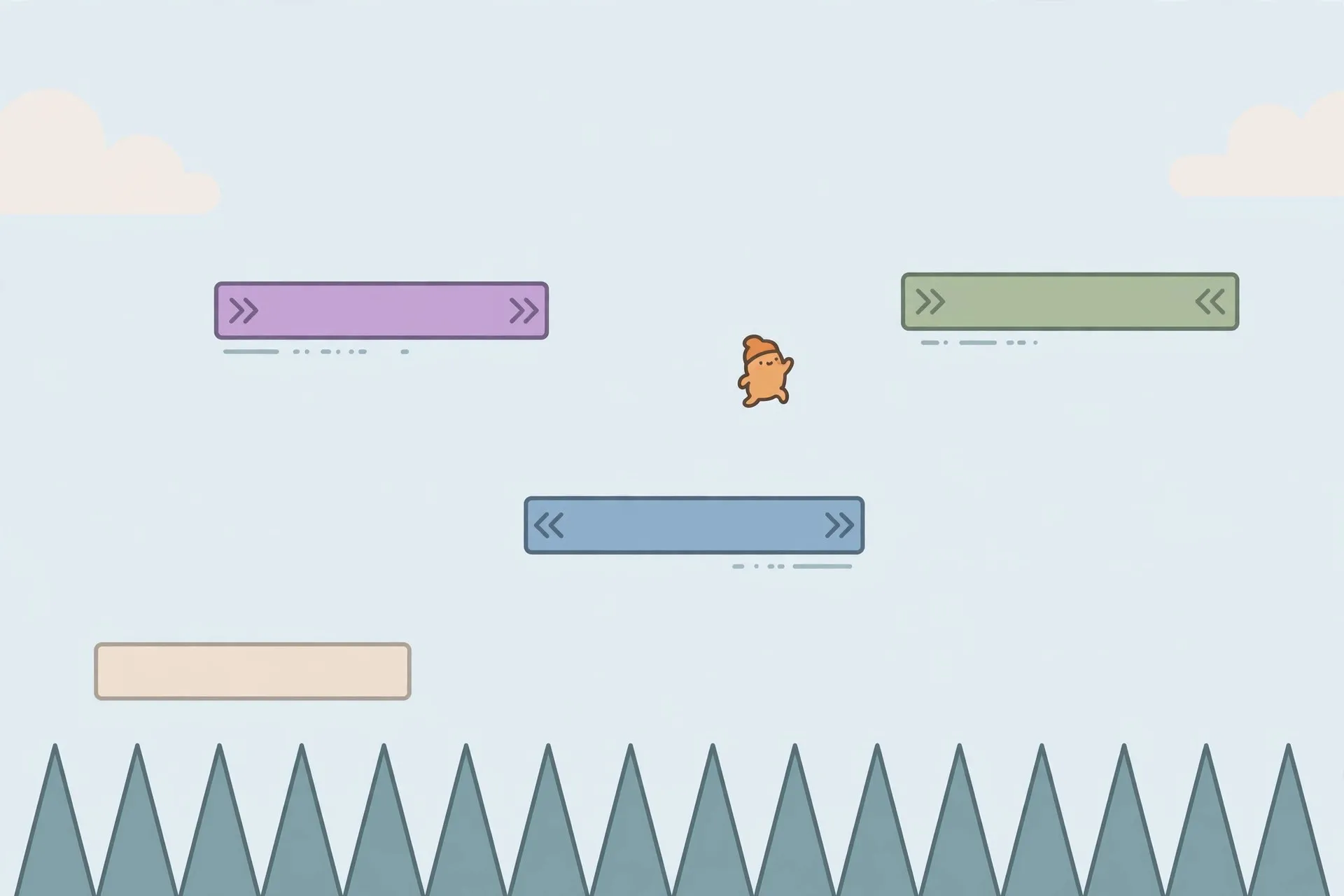
OvO is a 2D precision platformer starring a minimal stick figure. Your goal is straightforward: reach the exit flag at the end of each level. Getting there is anything but simple. Levels are packed with spikes, gaps, moving platforms, and wall-jump sequences that punish sloppy timing.
What sets OvO apart is its movement system. Running, jumping, sliding, diving, and wall-jumping chain together into something closer to a speedrunning game than a casual platformer. The game tracks your completion time, which turns every level into a personal race. Like many precision platformers, OvO is brutally fair. Every death is your fault, and every improvement comes from better execution. That loop is exactly why it thrives in short school breaks. You can browse all unblocked games for more.
How to Play OvO Unblocked at School
OvO loads almost instantly, which is ideal when you only have ten minutes. Open the game in your browser and you are at the level select in seconds. Start with the early levels to learn the moves.
The controls are simple on paper. Use the arrow keys or WASD to run left and right, and press up (or W) to jump. The advanced moves open up the game: hold down while moving to slide under low gaps, and combine jump with a directional dive to launch across wide chasms. Wall-jumping works by jumping toward a wall and pressing jump again the moment you touch it.
Chromebook tip: precision games live and die on input lag. Close extra tabs and pause background video streams before a serious run, and try fullscreen mode if things feel sluggish. For general laptop tuning, this beginner optimization guide covers the basics that help every browser game run better.
Tips & Tricks
Master the dive first. It is OvO's most important move: it launches you horizontally with a burst of speed and crosses gaps a normal jump cannot. Practice dive-jumping in the early levels until you can land it without thinking.
Chain wall-jumps smoothly. The mistake most beginners make is pressing jump too late after touching the wall, so press jump almost immediately on contact. In vertical shafts, alternate left and right with a steady rhythm rather than mashing keys.
Slides are not just for low gaps. Sliding down slopes builds speed, and you can convert that speed into a long jump by pressing jump at the bottom.
Learn the spikes by heart. OvO's levels are fixed, so every placement is learnable. Memorize the move sequence per section: play a level slowly once to map it out, then speed up. Finally, break hard levels into chunks. Nail chunk one, then chunk two, then link them together.
Is OvO Safe for School?
OvO is about as school-safe as games get. There is no violence, no chat, no ads, and no questionable content of any kind. It is a single-player stick figure jumping over spikes in a white void. A teacher glancing at your screen sees something like a geometry demo.
It is also technically safe: no downloads, no accounts, no personal data collected. Progress saves locally in the browser, so nothing sensitive leaves your Chromebook. The only real risk is distraction. OvO's speedrun timer makes it easy to lose track of time. Set a personal rule: one level per break, then close the tab before class.
Conclusion
OvO proves that the simplest games are often the deepest. A stick figure, a few moves, and brutally clever level design add up to hours of mastery. Start slow, learn the dive, and chase your best times. Before long you will be wall-jumping through levels that once looked impossible. That is the OvO magic: it makes you feel like a speedrunner one perfect jump at a time.
Frequently Asked Questions
What is OvO unblocked?
OvO unblocked is the browser version of the stick-figure precision platformer, playable on school networks that block gaming sites. It offers the same levels, wall-jumps, and speedrun timers as the regular version.
How do you play OvO at school?
Open OvO in a browser on your Chromebook and select a level to start. Use arrow keys or WASD to move and jump, and learn the dive, slide, and wall-jump for harder sections. Close extra tabs first to minimize input lag.
What are the controls for OvO?
Move with the arrow keys or WASD and jump with up or W. Hold down while running to slide, combine a jump with a direction to dive, and press jump again while touching a wall to wall-jump. The dive is the key to faster times.
Can you play OvO on a Chromebook?
Yes, OvO runs beautifully on Chromebooks. Its minimalist graphics need almost no processing power and it loads in seconds. Close background tabs and avoid streaming video while playing.
Is OvO appropriate for kids?
Completely. OvO has no violence, no chat, no questionable ads, and no accounts. It is a single-player precision platformer about jumping and timing, making it one of the safest game choices for school-age players.