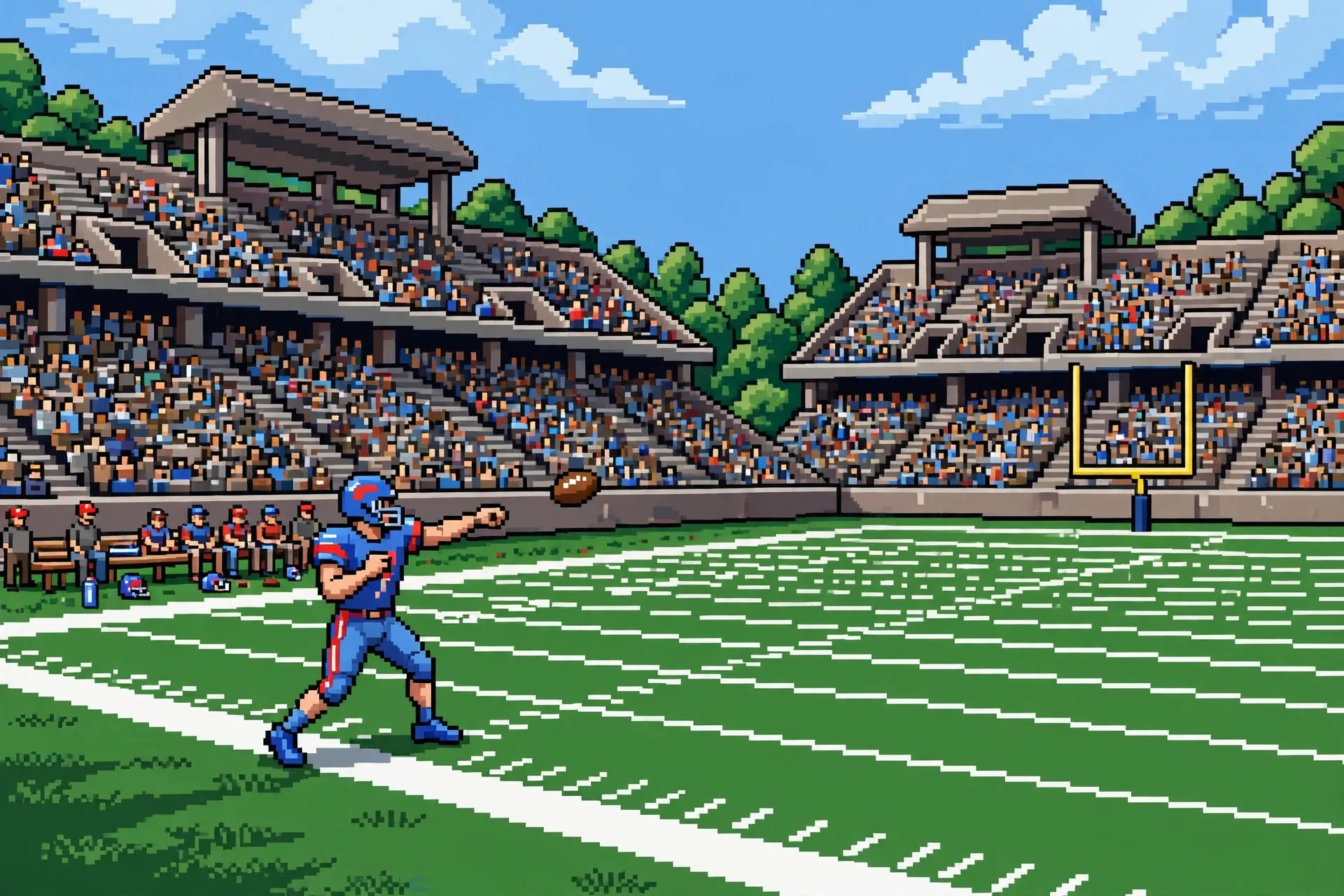
Retro Bowl blends classic 8-bit football with modern team management, and it fits into a five-minute gap between classes. You are the head coach and the playmaker: you draft players, manage morale, call plays, and throw the passes yourself. Retro Bowl Unblocked puts all of that in your school browser with no downloads.
What keeps people hooked is the loop. Every season tells a story: an aging star quarterback, a rookie turning into a deep threat, a defense fixed by one perfect draft pick. Let us get you winning.
What is Retro Bowl?
Retro Bowl is a retro-styled American football game that mixes arcade gameplay with deep management simulation. On the field, you control the offense: you pick the play, snap the ball, and then aim your passes while your receivers run their routes. Defense plays out as quick sim-style decisions between drives, keeping the pace fast.
Off the field is where the strategy lives. You manage a roster across seasons under a salary cap, upgrade facilities, and keep morale high. Players have opinions: they want playing time and new contracts, and they sour fast when the team loses.
Season mode is the heart of it. You take a struggling franchise and build a dynasty, winning championships and the Retro Bowl itself. Each game takes minutes, so a whole season fits into a study hall.
How to Play Retro Bowl Unblocked at School
Getting started takes about a minute.
- Open Chrome and load an unblocked version of Retro Bowl. If your school blocks a particular mirror, check the best unblocked games to play at school list for working options.
- Start a new career. Pick a team name you actually like, because you will see it a lot.
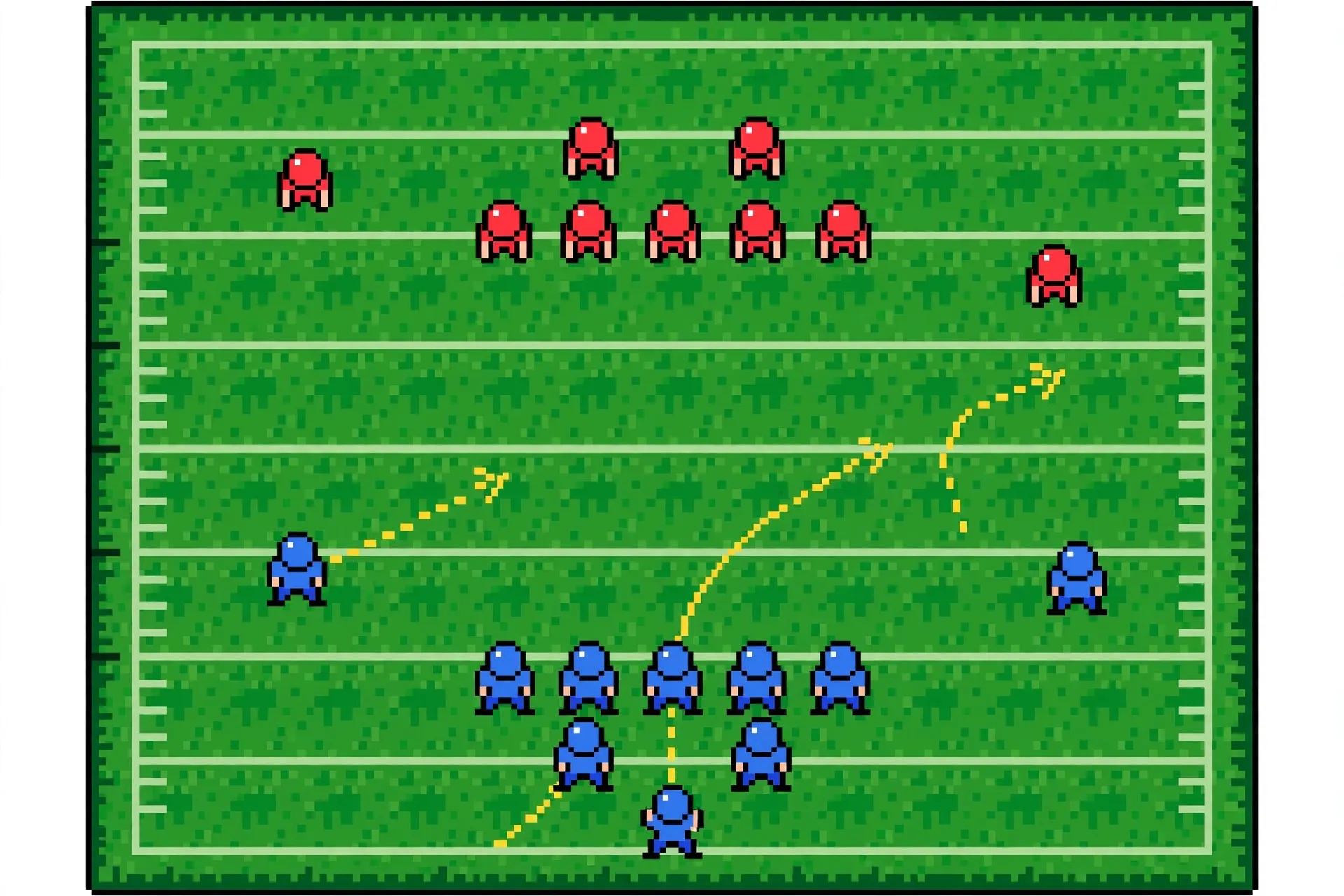
- On offense, tap a receiver to throw to him. Drag and release with the mouse to aim your pass: drag back to set the throw angle and power. On touchscreens, use your finger the same way.
- On defense, you make strategic calls between plays, like blitzing or playing coverage, while the game simulates the drive.
The learning curve is friendly: game one feels chaotic, and by game five you will be debating fourth-down calls with yourself. Save your progress so your season carries over between sessions. If the game stutters on an older school computer, this gaming setup optimization guide for beginners covers simple tweaks that help any browser game run better.
Tips & Tricks
Lead your receivers. Aim where the receiver is going, not where he is. Drag slightly ahead of his route, especially on deep balls. An overthrown pass is harmless; an underthrown one gets picked.
Live on short routes. Slants and drags across the middle are the highest-percentage throws in the game. Save the 40-yard bombs for obvious single coverage.
Upgrade the offensive line first. A great quarterback behind a bad line is a quarterback on the ground. Line upgrades give your QB time to throw, which makes every other investment better.
Protect morale. Morale affects performance more than raw ratings. A happy 3-star team beats a grumpy 5-star team, so check the locker room screen often.
Draft for speed. A fast receiver beats coverage even with average hands. For running backs, stamina matters because tired backs fumble. One elite trait beats balanced mediocrity.
Is Retro Bowl Safe for School?
Completely. Retro Bowl is single-player with no chat and no ads in most unblocked versions. The content is football plays and roster management, which is as wholesome as gaming gets.
Just watch your school's network filter: if one mirror is blocked, another usually works. Note that the game autosaves in the browser, so use the same computer to keep your dynasty going.
Conclusion
Retro Bowl satisfies both the itch to play and the itch to build. The arcade passing is fun in the moment, but the real hook is turning a bottom-feeder franchise into a dynasty. Lead your passes, protect your quarterback, and the trophy is yours. Then explore all unblocked games for your next obsession.
Frequently Asked Questions
How do you throw in Retro Bowl Unblocked?
Drag back with your mouse (or finger on touchscreens) and release. The drag sets the throw's angle and power. Aim ahead of your receiver so the ball leads him.
Does Retro Bowl Unblocked save my progress?
Yes, your career autosaves in the browser. Your season, roster, and upgrades persist on the same computer and browser unless you clear site data.
What is the best team strategy in Retro Bowl?
Upgrade the offensive line first, then find a franchise quarterback, then add speed at receiver. Keep morale high, and favor short routes over deep shots on the field.
Can you play defense in Retro Bowl?
Defense is mostly simulated. You make strategic calls like blitzing or playing coverage between drives, and the game resolves the outcome. Your defensive roster upgrades determine the stops.
Is Retro Bowl Unblocked free to play?
Yes. Unblocked browser versions are free with no downloads, and they include the full career mode without spending anything.