Run 3 has survived for over a decade on school Chromebooks for a reason. It is fast, free, and a single run fits into a ten minute break between classes. Endless tunnels, wall running, and gravity flips never quite get old.
The unblocked version runs right in the browser with no downloads, no installs, and no admin rights. This guide covers the controls, how each mode works, and the tricks that separate casual players from the ones who clear level after level.
What is Run 3?
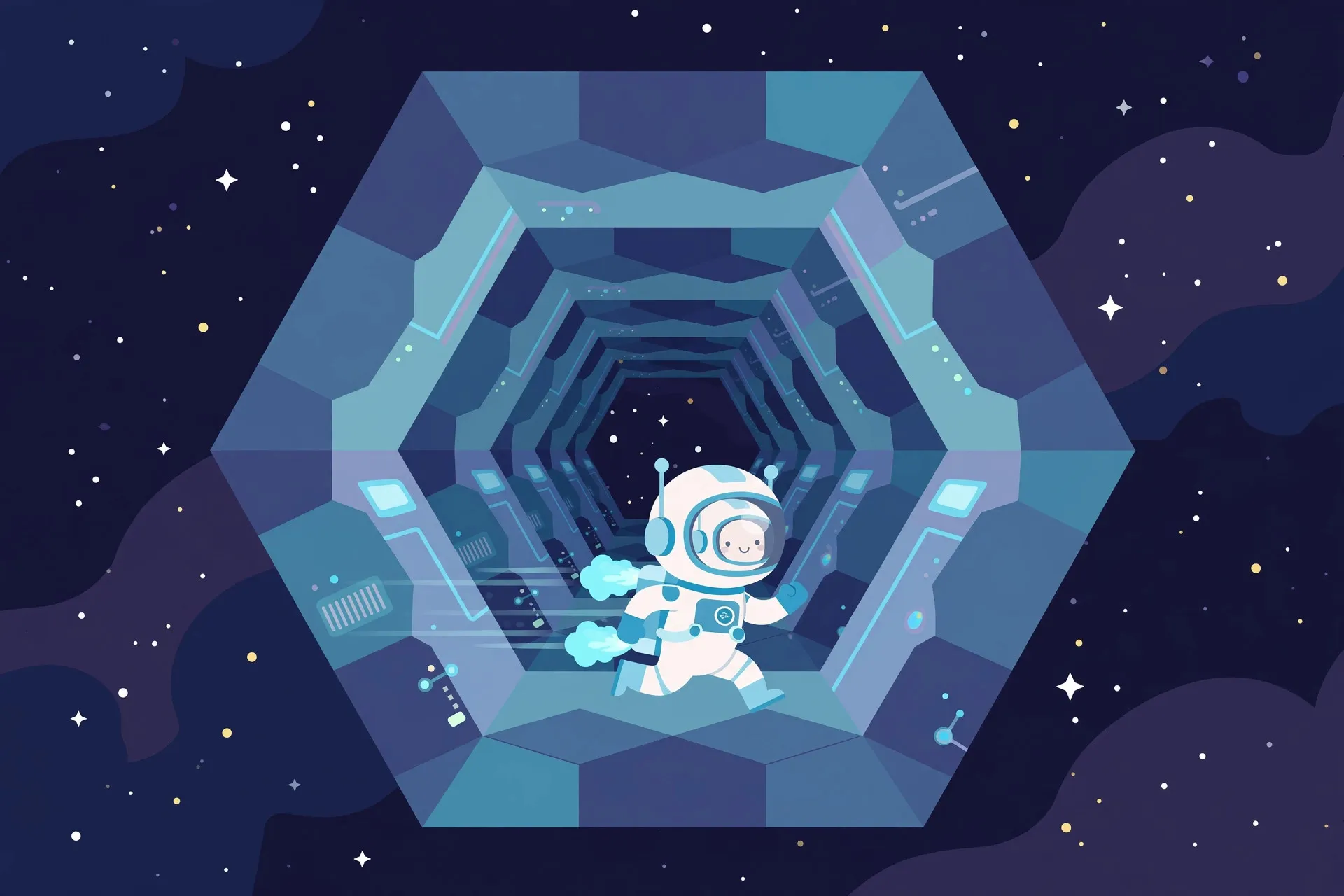
Run 3 is an endless runner set in floating space tunnels. You control a small astronaut who moves forward automatically, and you guide them across tiles, around gaps, and along walls and ceilings as the tunnel twists beneath your feet.
It became a school classic because it runs smoothly on low power hardware. Explore Mode offers handcrafted levels with cutscenes and unlockable characters, while Infinite Mode is the score chaser: a randomly generated tunnel that goes on forever until you fall.
How to Play Run 3 Unblocked at School
Use the arrow keys or WASD to move left, right, and jump. Up arrow or W jumps, left and right steer. That is all you need to start.
The real skill is wall and ceiling running. Jump toward the side of the tunnel and your character sticks to that wall while the world rotates so it becomes the floor, letting you run around broken track sections instead of jumping them. Look as far ahead as the camera allows and plan two or three jumps early.
To play at school, open the game page in Chrome, click into the game window so it captures your keys, and press F11 for fullscreen. Close extra tabs first so the browser runs smoother. Find more titles like this in our list of the best unblocked games to play at school, or browse all unblocked games for something new.
Tips & Tricks
Jump less, steer more. Most gaps can be crossed by running off the edge and steering midair. Jumping resets momentum, so save it for wide holes and crumbling tiles.
Use the ceiling on purpose. When a section has a big hole in the floor, run up the wall and cross on the ceiling. It feels weird at first but skips entire broken segments.
Switch characters for hard levels. Unlockable runners are not just cosmetic. The Skater jumps farther, the Lizard runs faster. Try a different character when a level feels impossible.
Slow down in Infinite Mode. The tunnel speeds up the longer you survive. Ease off forward input for more reaction time. Small corrections beat last second jumps.
Read the tunnel ahead. Run on the walls to rotate the camera and see what is coming. A calm two second look ahead prevents more falls than fast reflexes.

Is Run 3 Safe for School?
Run 3 is about as safe as a school game gets. There is no chat, no multiplayer, and no violent content. It is a single player space platformer that teachers tend to tolerate during free time.
The main thing to watch is screen time. A quick run between classes is fine, but marathon sessions during lessons are not. Keep the volume down, play in a tab you can close fast, and respect your school's device policy.
Conclusion
Run 3 still holds up as one of the best quick session games on a school Chromebook. Learn the wall running, experiment with unlockable characters, and take Infinite Mode one calm section at a time. For smoother performance, check our gaming setup optimization guide for beginners.
Frequently Asked Questions
How do you play Run 3 unblocked at school?
Open the unblocked version in your school browser and click the game window so it captures your keys. Use arrow keys or WASD to move and jump. No download is needed, and it runs fine on Chromebooks with extra tabs closed.
Why does my character fall through gaps in Run 3?
You are probably jumping too late or steering too little midair. Run off tile edges and steer across gaps instead of jumping last second, and confirm the game window is focused so keys register.
How do you unlock new characters in Run 3?
Characters unlock by progressing through Explore Mode. The Skater jumps farther and the Lizard is faster. If a level feels impossible, switch characters before giving up.
What is the difference between Explore Mode and Infinite Mode?
Explore Mode is a curated campaign with cutscenes and character unlocks. Infinite Mode generates an endless random tunnel and tracks survival distance, which is ideal for high score competitions with friends.
Can you play Run 3 on a school Chromebook?
Yes, its simple graphics run well on low power hardware. Close other tabs, keep the game tab focused, and use fullscreen mode to reduce input lag.