Smash Karts unblocked is pure arcade chaos in the best way. You drop into a small arena with other players, grab weapon pickups, and try to blow up as many rival karts as you can before the timer runs out. Rounds are short, lobbies fill fast, and every match feels different, which makes it a go to pick for a quick burst of fun between classes.
In this 2026 guide you will learn what Smash Karts is, how to play it unblocked on a school Chromebook, and the driving and aiming tips that turn beginners into arena menaces. We will also talk about whether it is safe for school and answer the questions players ask most. If competitive games are your style, it deserves a spot among the best unblocked games to play at school.
What is Smash Karts?
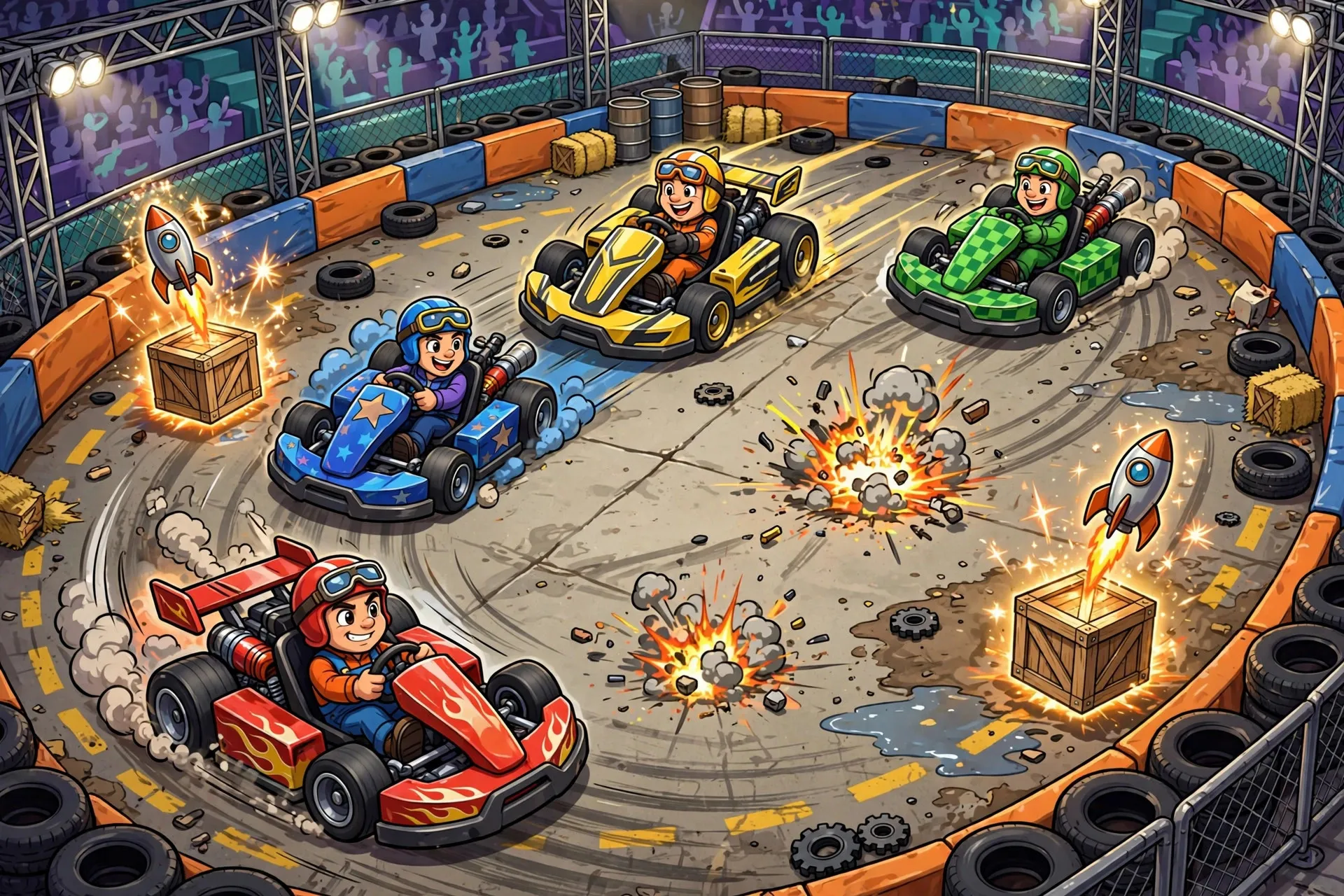
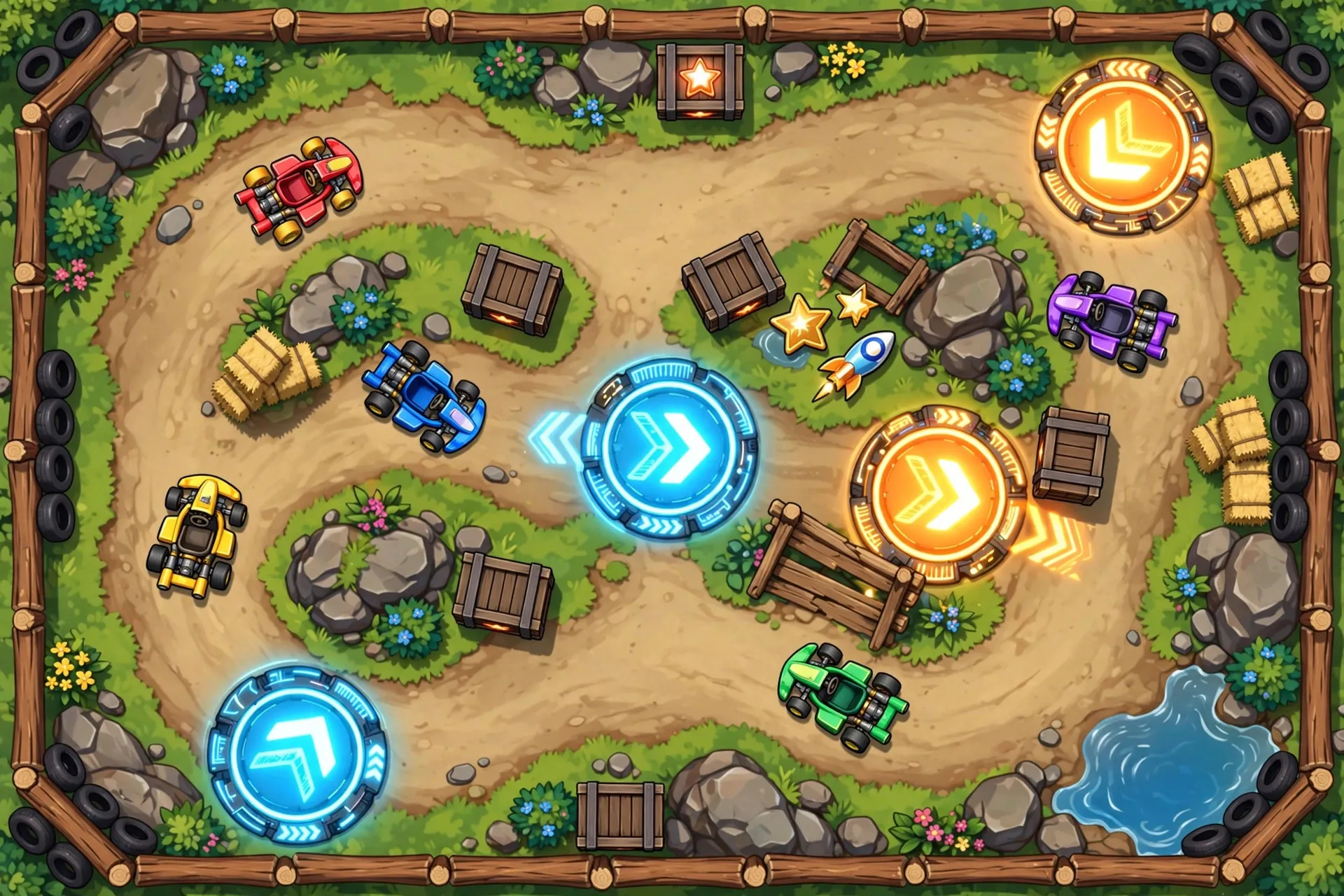
Smash Karts is a free multiplayer kart battle game that plays like a mashup of battle mode racing and a fast shooter. Up to a dozen players race around compact arenas, scooping up weapon boxes that hand out rockets, machine guns, mines and grenades. Each explosion sends a rival kart flying, and the player with the most knockouts when the round ends wins.
Matches usually last about three minutes, so you can squeeze in a full game during a short break. The controls are simple enough to learn in one round, but aiming while drifting takes practice. Because it runs in the browser with no download, Smash Karts became a lunchroom legend on school Chromebooks, and the lobbies are still packed in 2026.
How to Play Smash Karts Unblocked at School
Here is how to get into your first match:
- Open your browser and find Smash Karts on a trusted unblocked games site such as 66EZ.
- Click play and the game will drop you into a lobby. Lobbies fill quickly, usually in under a minute.
- Drive with WASD or the arrow keys. Your mouse aims your weapon, and left click fires.
- Grab the floating question mark boxes to collect weapons, then blast rivals while dodging their shots.
Chromebook performance matters in a fast game like this. Close other tabs and pause any background videos before you play, since lag will get you blown up. If the frame rate stutters, try a different browser or lower the game quality in the settings menu. For more ways to squeeze out smooth gameplay, check our roundup of the best FPS boost tools for smooth gaming performance. And if you want even more options, browse all unblocked games for other multiplayer titles that run well at school.
Tips & Tricks
Want to climb the leaderboard instead of exploding every ten seconds? Start here:
- Keep moving. A stationary kart is an easy target, so always drift in wide circles while you aim.
- Learn the weapons. Rockets are great at range, the machine gun melts karts up close, and mines are perfect for guarding narrow passages.
- Grab boxes early. The first weapon pickups spawn fast, so race to the nearest box at the start of every round.
- Aim slightly ahead. Rivals are always moving, so lead your shots the way you would in any shooter.
- Use cover. Crates, walls and ramps block enemy fire, so break line of sight when you are reloading.
- Watch the kill feed. It shows where the action is, so you can third party fights and pick up easy knockouts.
Is Smash Karts Safe for School?
Smash Karts is cartoon violence only: karts explode into harmless puffs and there is no blood or gore. There is a multiplayer chat, but it is simple and you can ignore it entirely or mute other players. The game is free, needs no account, and runs quietly in a browser tab. The main consideration is your school's policy. Because matches are loud and exciting, save Smash Karts for lunch or free periods rather than class time, and use a trusted unblocked site to avoid unwanted ads.
Conclusion
Smash Karts unblocked delivers some of the fastest fun you can have on a school Chromebook: quick matches, simple controls and endless explosive rematches. Learn the weapons, keep moving, and you will be topping lobbies in no time. When you need a change of pace, the best unblocked games to play at school has plenty more where that came from.
Frequently Asked Questions
Is Smash Karts unblocked free to play?
Yes, Smash Karts is completely free in the browser. There are no downloads, no accounts and no payments needed to join matches.
Can I play Smash Karts unblocked on a Chromebook?
Yes, and Chromebooks are one of the most popular ways to play it. Close extra tabs for the smoothest frame rate, and use WASD plus the mouse for the best control.
What are the controls for Smash Karts?
Drive with WASD or the arrow keys, aim with the mouse and left click to fire. The spacebar can also be used depending on your control setup, and the game shows the full layout on the start screen.
Why is Smash Karts laggy at school?
School WiFi is shared by hundreds of devices, which can cause lag. Close other tabs, avoid peak lunch hour rushes if possible, and try a different unblocked mirror to find a faster connection.
Is there voice chat in Smash Karts?
No, Smash Karts does not have voice chat. It has a simple text chat that you can ignore or mute, which keeps the game classroom friendly.