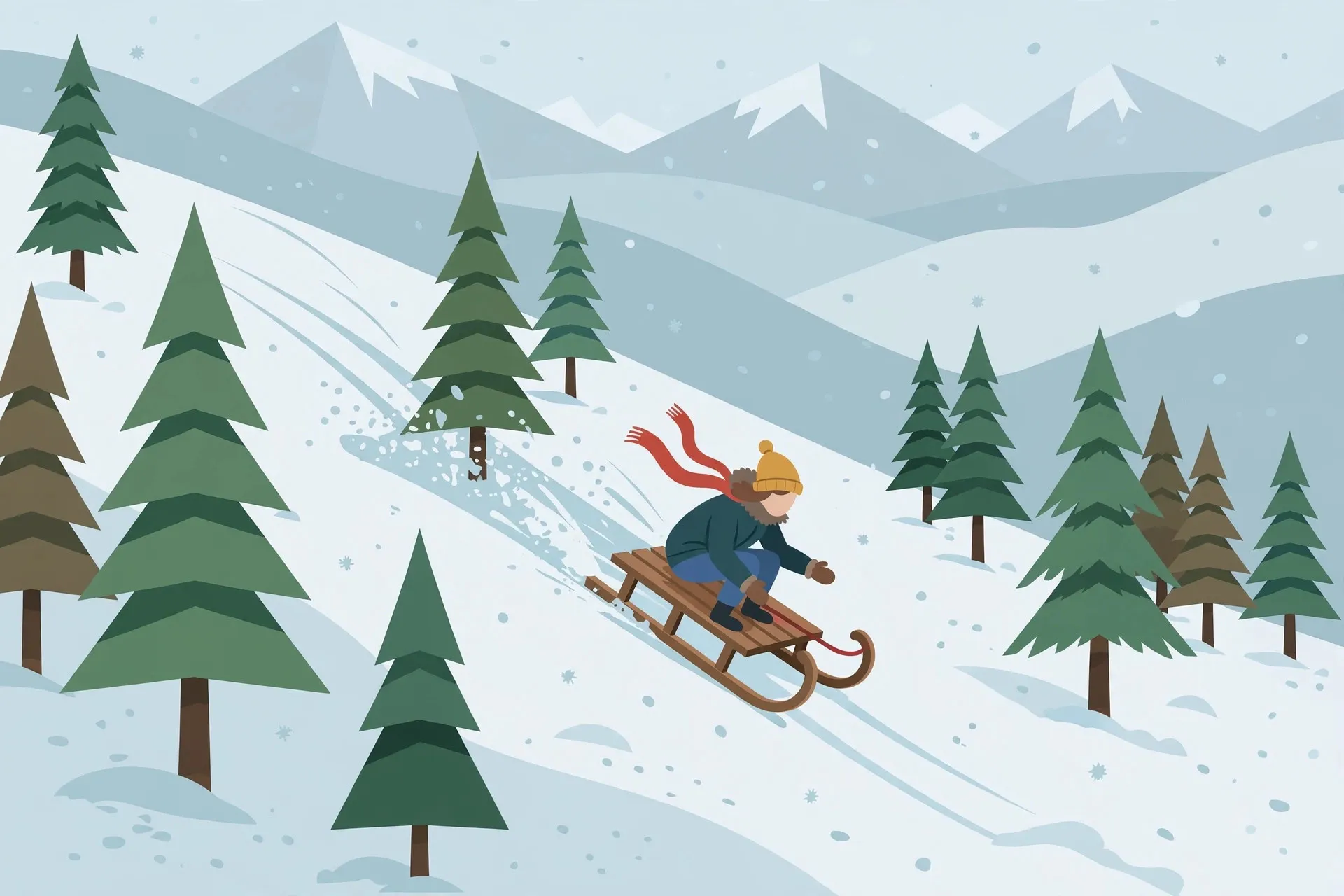
Snow Rider 3D is the perfect "one more run" game. You hop on a sled, the mountain starts scrolling past, and suddenly you are weaving between pine trees at full speed, eyes locked on the next gift box. Sessions last minutes, scores climb fast, and it runs beautifully on a school Chromebook.
The unblocked version needs no download or install, ideal for a quick break. This guide covers the controls, the best lines down the mountain, and the gift strategy that separates casual riders from high score chasers.
What is Snow Rider 3D?
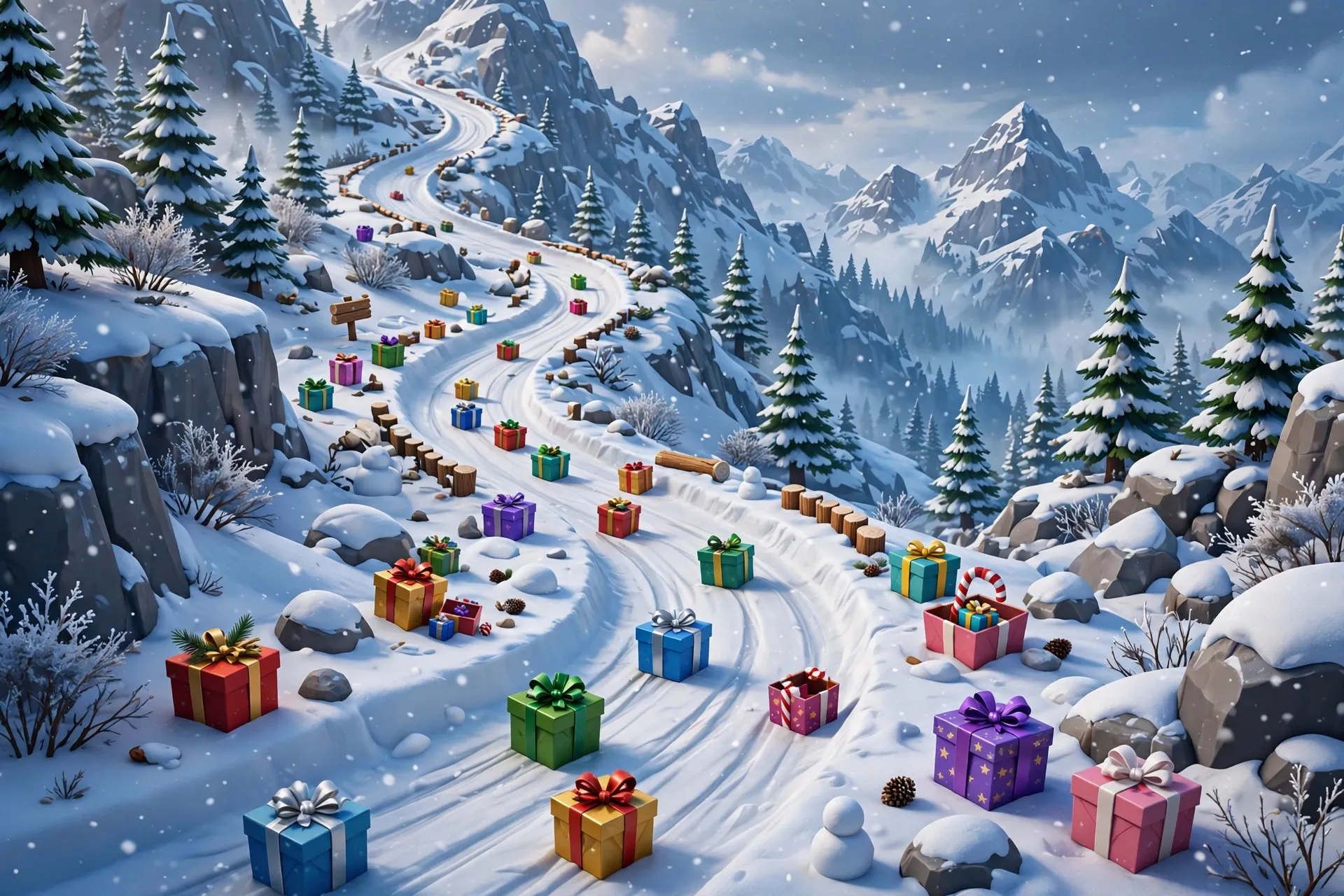
Snow Rider 3D is an endless downhill sledding game with a winter theme. You ride a sled down an infinite snowy slope, steering left and right to dodge pine trees, rocks, and cliffs while collecting colorful gift boxes along the track. Every gift adds to your score, and the run ends the moment you crash.
It is simple to learn but impossible to fully master: the slope gets faster and the obstacles denser the longer you survive, so every run tests reflexes and route planning.
How to Play Snow Rider 3D Unblocked at School
Use the left and right arrow keys to steer your sled. There is no jump, no brake, and no accelerate button, because gravity handles the speed. Your entire job is picking the right line through the obstacles.
That simplicity is deceptive. As your speed climbs, small steering taps matter more than big swings. Hold a direction too long and you will overcorrect into a tree. Think of it like driving on ice: gentle, early corrections keep you centered, while panicked jerks end your run.
To play at school, open the game in Chrome and click the sled area so your key presses register. If the arrow keys scroll the page instead of steering, the game window is not focused, so click it again. On a Chromebook, close background tabs to keep the frame rate smooth, since stuttering at high speed makes precise steering harder. When you want to mix things up, browse the best unblocked games to play at school or check out all unblocked games.
Tips & Tricks
Look ahead, not at your sled. Your eyes should be on the top third of the screen, reading the obstacles that are coming. Steer for what is two seconds ahead, not what is directly under you.
Take the gaps between gift clusters. A gift behind a tight tree cluster is rarely worth the crash. Grab gifts that sit on your natural line and skip the dangerous ones.
Stay near the center of the slope. The middle gives you the most escape room in both directions. One bad correction near an edge ends the run.
Use small taps at high speed. On a long run, a half second hold sends you across half the screen. Switch to quick taps, and tap a fraction earlier if your keyboard has input lag.
Learn the obstacle patterns. Trees often spawn in diagonal rows and rocks tend to appear right after gift clusters. That pattern memory turns 30 second runs into 3 minute runs.
Is Snow Rider 3D Safe for School?
Snow Rider 3D is one of the safest games you can play at school. There is no chat, no multiplayer, no purchases, and no mature content. It is a cheerful single player sledding game with cartoon style winter graphics.
The only real consideration is timing. A quick run between classes is harmless, but getting absorbed mid lesson is not. Keep sessions short and the sound low in quiet rooms. If sledding ever leads somewhere more social, our article on going from gameplay to building a gaming creator presence shows how players turn favorite games into something bigger.
Conclusion
Snow Rider 3D is instant to start, hard to master, and perfectly sized for short breaks. Steer with small taps, read the slope ahead, and be picky about which gift boxes you chase.
Frequently Asked Questions
How do you play Snow Rider 3D unblocked at school?
Open the unblocked version in your school browser and click the game window so it captures your keys. Steer with the left and right arrow keys, dodge trees and rocks, and collect gift boxes for points. No download is needed.
Why do the arrow keys scroll the page instead of steering?
The game window does not have keyboard focus. Click directly on the sledding area to give it focus, and the arrow keys will control your sled. If it still scrolls, press F11 for fullscreen.
How do you get a high score in Snow Rider 3D?
Survive longer and collect more gift boxes. Look ahead at the top of the screen, stay near the center, steer with small taps at high speed, and skip gifts behind dangerous obstacle clusters.
What do the gift boxes do in Snow Rider 3D?
Gift boxes are the main scoring items. Each one adds points to your total, and grabbing them in quick succession builds your score faster. They often appear along riskier lines, so balance collecting with survival.
Does Snow Rider 3D work on a school Chromebook?
Yes, its simple 3D graphics run smoothly on low power hardware. Close other tabs before playing to prevent stuttering, since a stable frame rate makes high speed steering much more precise.